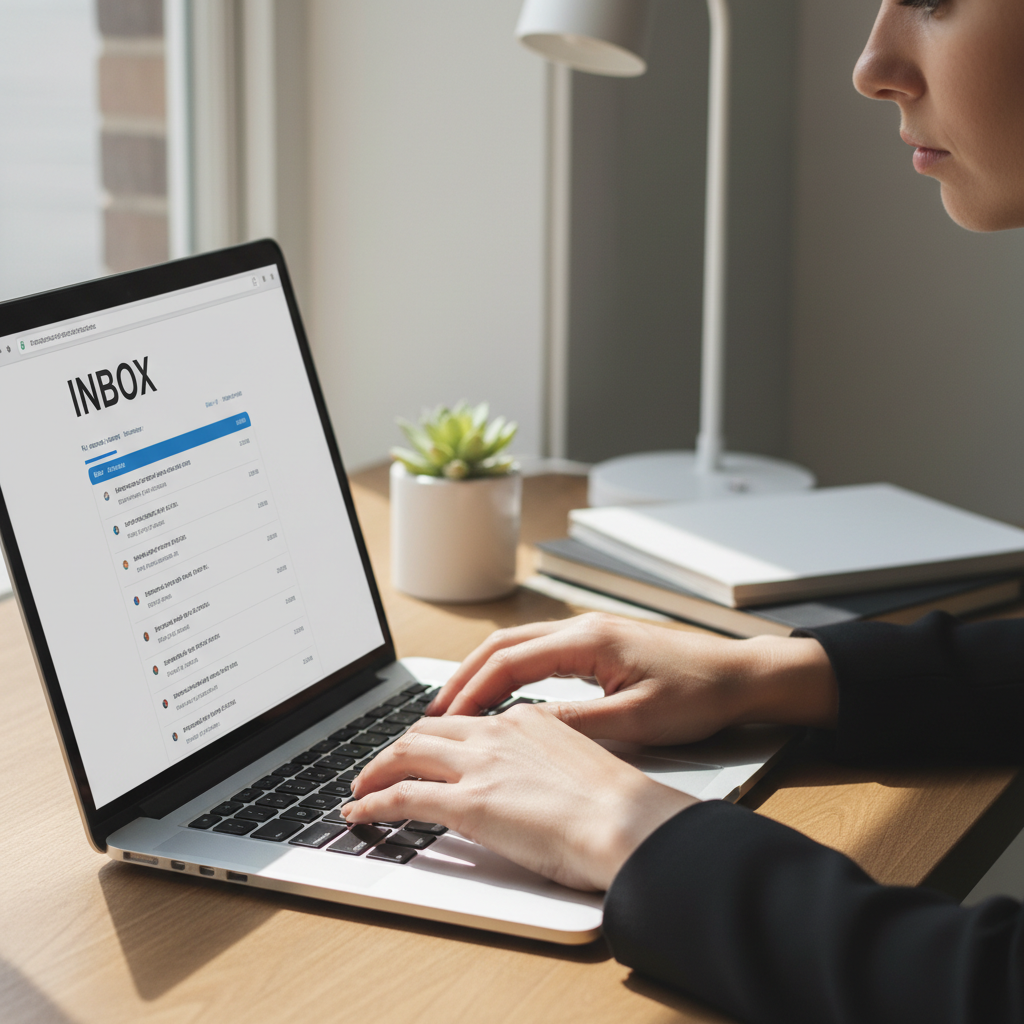
When my email won't send or receive, the issue is often caused by a full storage quota or a temporary loss of internet connectivity. To restore functionality, try deleting large attachments, emptying the trash folder, and checking your mailbox limits on platforms like Outlook or iCloud. These simple maintenance steps usually clear the blockage and allow messages to flow again immediately.
There is nothing more disruptive than the sudden silence of an unresponsive inbox, especially when you are waiting for a critical appointment confirmation or trying to send an urgent document. Email acts as the central hub of your modern digital life. When it stalls, it feels like your primary connection to the outside world has been severed. This frustration rarely resolves on its own; it typically points to underlying issues like full cloud storage, minor connectivity glitches, or synchronization errors that halt your progress. This guide provides a clear, expert roadmap to help Bristol home users diagnose and fix the problem quickly. You will learn how to manage storage limits on Gmail and Outlook, verify your internet stability, and resolve stubborn sync issues on mobile devices. Whether the trouble is on your iPhone or your desktop, we will ensure your outbox is clear and your inbox is active once more.
Why Your Inbox Has Suddenly Stopped Working
Seeing an empty inbox or a message stuck in the outbox is a major disruption to your daily routine. Residents across Bristol, from the busy city centre to the quiet suburbs of Mangotsfield or Staple Hill, rely on stable email for remote work and keeping in touch with relatives. When you realize my email won't send or receive, the immediate worry is often that years of important correspondence have vanished or that your account has been compromised.
In reality, these issues are almost always temporary and fixable without any loss of data. Most email failures fall into one of three specific categories. First, you might have hit a storage limit, meaning your digital letterbox is simply too full to accept new mail. Second, there could be a connection issue between your Bristol home Wi-Fi and the provider's server. Third, a sync error might have occurred, where your phone or laptop has stopped communicating with your account correctly because of a software glitch or an expired password.
Fixing these problems rarely results in lost messages, provided you take a methodical approach. If the troubleshooting steps feel overwhelming, you can always contact SWIT for a home visit to resolve the issue in person. This guide will walk you through each scenario, starting with the most frequent culprit: hidden storage limits.
The Most Common Culprit: Your Storage is Full
Imagine your front door in Bedminster or Southville. If your letterbox is stuffed so full of junk mail and old newspapers that the postman physically cannot push a new envelope through, your mail simply stops arriving. Digital storage works in exactly the same way. Every email provider gives you a specific amount of space, known as a storage quota. Once you hit that limit, the system stops accepting new messages, which is a frequent reason why my email won't send or receive.
A common source of confusion for many Bristol residents is that your Mailbox is no longer a separate entity from your Cloud Account. In the past, your emails lived in one place and your files in another. Today, providers like Google and Microsoft use a shared bucket system. For Google users, that 15GB of free space is shared across Gmail, Google Drive, and Google Photos. If you have backed up hundreds of high resolution videos from a summer day at the Harbourside, those files occupy the same space your emails need to function.
Microsoft has implemented a similar, often frustrating, change for Outlook and Hotmail users. You might have plenty of room in your actual email folders, but if your OneDrive, the cloud storage for your documents and phone backups, exceeds its 5GB limit, Microsoft will block your ability to send or receive emails entirely. It is a single, interconnected ecosystem where a full photo gallery in the cloud can effectively jam your digital letterbox.
Differentiating between a full mailbox and a full cloud account is the first step toward a fix. You aren't just looking for old text emails to delete; you are looking for anything occupying that shared space, such as large PDF attachments or automatic phone backups. If managing these interconnected accounts feels like a daunting task, I provide professional technical support to help you identify exactly what is clogging your system and how to clear it safely.
How to Check Your Storage on Gmail and Outlook
To diagnose if your storage is the reason why my email won't send or receive, you must look at the specific numbers provided by your service. For Gmail users, the most direct method is visiting one.google.com/storage. This page offers a clear visual breakdown of your 15GB allowance across Google Drive, Gmail, and Google Photos. If you discover that your Gmail bar is nearly full, you can quickly identify space-consuming messages by typing `has:attachment larger:10M` into your email search bar to find and remove large files that are clogging the system.
Outlook and Hotmail users in areas like Emersons Green or Staple Hill often find their accounts restricted because of Microsoft's dual storage system. Even if your email folders appear light, a full OneDrive account will block your mail flow. To check this, click the gear icon for Settings, select View All Outlook Settings, then navigate to General and Storage. You will see two separate bars: one for your 15GB mailbox and another for your 5GB Microsoft cloud storage. If either is full, your ability to send or receive messages will stop immediately.
A frequent source of frustration is why email storage remains full after deleting thousands of messages. This happens because deleted items are simply moved to a temporary holding folder. To truly reclaim your space, you must manually select Empty Trash in Gmail or Empty Deleted Items in Outlook. If your account remains blocked after these steps, it can take up to 24 hours for the provider's servers to recognise the new space. If you need professional technical support to navigate these settings or safely clear space without losing important documents, a local evening visit can resolve the issue quickly.
Checking Your Connection: Is it the Internet or the App
Before assuming your account is broken, you need to isolate where the failure is happening. A simple way to do this is the Webmail Test. Open a web browser like Google Chrome or Safari and log in directly to your provider's website, such as gmail.com or outlook.com. If you can see new messages here, then your account and password are healthy. This confirms that the reason why my email won't send or receive is tied specifically to the settings on your phone, tablet, or laptop app rather than a problem with the service itself.
Connectivity can also be hyper-local. If you are using a mobile device in one of Bristol’s hillier neighbourhoods, such as Totterdown or parts of Southville, a weak 4G or 5G signal might be preventing your mail app from refreshing even if your home Wi-Fi is fine. To rule out your internet connection entirely, try loading a standard news website. If the website loads but your email remains stuck, the issue usually lies with the software configuration or an expired login token. Identifying this distinction saves hours of unnecessary troubleshooting. If you find that your email works on the web but refuses to sync to your device, I offer professional technical support to reconfigure your apps and restore your connection.
Fixing Sync Issues on iPhone and Android
If your webmail test was successful but your smartphone is still stagnant, you are likely dealing with a synchronization error. This is a primary reason why my iphone won't send or receive emails, even when the internet connection is perfect. Over time, the digital handshake between your device and the email provider can fail. This happens because security certificates expire, passwords are changed, or the provider updates their background settings without notifying you.
The most effective, safe, and non-technical solution is what I call the "Remove and Re-add" method. While it may feel risky to delete an account from your phone, it is usually the quickest way to clear a software jam. Most modern email accounts in the UK use a system called IMAP. With IMAP, your messages live on the provider's server, not just on your phone. When you remove the account from your iPhone or Android settings, you are simply closing a digital window; you are not deleting the actual house or its contents.
To do this, navigate to your device settings, find the "Mail" or "Accounts" section, and select the problematic address. Choose the option to delete or remove the account from the device. Once it is gone, restart your phone and select "Add Account" to sign back in with your current password. This fresh connection often resolves the reason why my email won't send or receive by forcing the device to download the latest server settings. If you find the setup screens for Outlook or Gmail confusing, or if you are worried about losing saved drafts, I can provide professional technical support during a home visit to ensure your folders sync perfectly without any data loss.
When an Email Refuses to Leave Your Outbox
While sync issues often freeze your entire account, sometimes the problem is isolated to a single message that acts like a jammed log in a narrow stream. If your incoming mail arrives perfectly but your own replies go nowhere, you are likely facing a scenario where my email won't send or receive correctly due to an outgoing blockage. This usually happens when an email has an attachment that exceeds the provider's size limit. Most services, including Gmail and Outlook, enforce a strict limit of 20MB to 25MB per message. If you have attached several high resolution photos from a day at the Bristol International Balloon Fiesta, you may have unknowingly exceeded this threshold.
The Outbox is a temporary folder that most people never see because messages usually pass through it in seconds. However, when a message is too large, it stays there and prevents every subsequent email from leaving your device. To fix this, locate the Outbox folder in your mail app; it is often tucked away under "More Folders" or "Local Folders." Once you find the stuck message, delete it or move it to your drafts. This clears the digital jam and allows your other pending emails to flow through. If you find the folder hierarchy confusing or your mail app remains frozen, I can provide professional technical support during a home visit to clear the backlog and ensure your account settings are correctly configured for your Bristol home network.
Professional Support for Bristol Residents

While the methods outlined above resolve roughly 90 percent of common inbox failures, technology occasionally presents more stubborn obstacles. If your account settings appear correct but you still find that my email won't send or receive, the issue may lie deeper in the technical architecture. Incorrect SMTP or IMAP server ports, outdated encryption protocols, or a corrupt software profile can prevent even a healthy account from functioning. These issues require a precise touch to ensure your data remains intact while the software is repaired.
I provide professional technical support to residents in Southville, Bedminster, Emersons Green, and the surrounding areas. Instead of spending your evening wrestling with confusing error codes, you can contact SWIT for a home visit. I offer flexible evening availability to fit around your work schedule, providing a calm, jargon free service that gets your digital communication back on track. I visit homes across the city, from Totterdown to Mangotsfield, to ensure your local network and devices are configured for long term reliability.