
Learning how to secure your phone involves using strong biometric authentication, such as facial recognition or fingerprints, alongside regular software updates to fix security vulnerabilities. You should also enable remote tracking features like Find My Device and back up your data to protect your information from theft or accidental loss.
Your smartphone contains more than just contacts and photos. It is the master key to your bank accounts, your private emails, and your entire digital identity. For residents across Bristol, a lost or compromised device represents a significant security breach that can occur in a split second at a crowded cafe or through a deceptive text message. Protecting your information requires a strategy that goes beyond a simple screen lock. This guide provides a practical, plain English approach to hardening your mobile defenses. You will learn how to improve physical security, implement robust biometric protections, and configure advanced anti-theft settings on both iPhone and Android. We will also explore how to shield your most sensitive apps and use Wi-Fi safely to ensure your data stays out of the wrong hands.
Why Smartphone Security Matters in Bristol
Modern smartphones have evolved into digital safes containing our entire lives. Your device likely holds years of irreplaceable memories, private messages, and direct access to your bank accounts. While Bristol is an excellent place to live, busy areas like the City Centre or the commute through Temple Meads station are hotspots for opportunistic crime. Understanding how to secure your phone is now a fundamental requirement for anyone navigating the city, as a snatched device can lead to much more than just the cost of a replacement handset.
Protecting yourself is not just about defending against faceless hackers in distant countries. It is about preventing a local thief from accessing your banking apps or reading your private emails. Many home users find security guides intimidating, but you do not need a computer science degree to stay safe. This guide provides jargon-free, practical advice tailored for real-world scenarios. By focusing on simple settings and awareness, you can ensure your data stays out of the wrong hands. If you need a hand setting up these protections, accessing professional technical support can provide the peace of mind you need. You may also want to secure your home Wi-Fi network to ensure your data is protected once you return home from the city.
Physical Security: Protecting Your Device in Public Spaces

The first step in understanding how to secure your phone is acknowledging the physical environment around you. In bustling areas like North Street in Southville or Gloucester Road, opportunistic thieves often engage in shoulder surfing. This involves watching a user enter their PIN or pattern before attempting to snatch the device. Once they have both the hardware and the code, they have total access to your digital life. Always be mindful of who is standing behind you or sitting nearby when unlocking your device in public, and consider using your body to shield the screen.
Beyond situational awareness, every phone owner should know their International Mobile Equipment Identity (IMEI) number. This is a unique 15 digit code that identifies your specific handset. You can find it instantly by dialing *#06# on your keypad. It is vital to record this number and store it somewhere safe outside of your mobile device, such as in a physical notebook or a secure file on a home computer. If your phone is stolen, the police and your network provider will require this IMEI to blacklist the handset; this makes the device useless on UK networks and significantly decreases its resale value.
UK mobile theft data suggests that many incidents occur when phones are held loosely in hand while walking or left on cafe tables. Keeping your phone out of sight in high traffic areas significantly reduces your profile as a target. If you are unsure how to check your security settings or want to ensure your device is properly configured before your next trip into the City Centre, you can contact SWIT today for expert assistance. Taking these physical precautions is the essential foundation for the digital locks we will discuss next.
The Digital Front Door: PINs, Passwords, and Biometrics
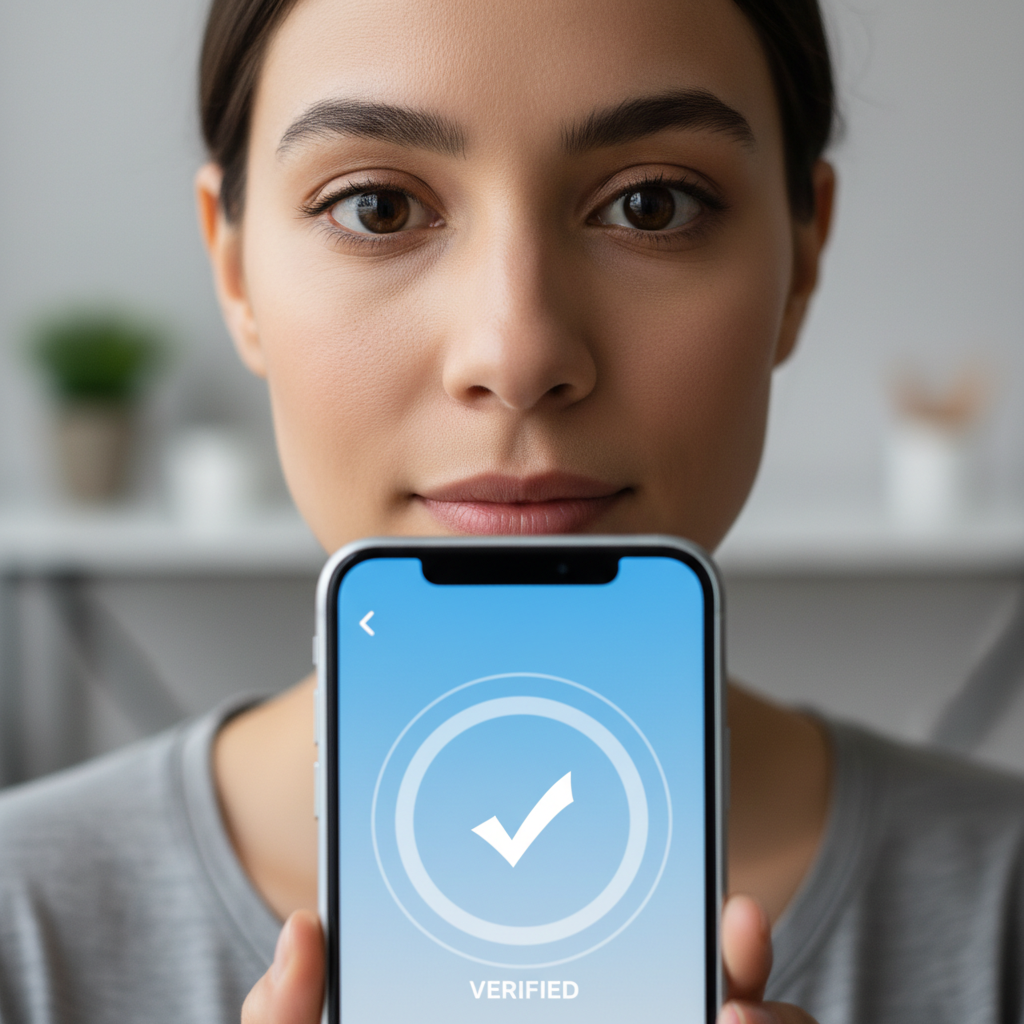
Once you have addressed the physical handling of your device, you must focus on the software locks that guard your data. The most common entry point is the PIN. While a 4-digit PIN is convenient, it only offers 10,000 possible combinations. In contrast, a 6-digit PIN provides one million variations, making it significantly harder to guess or brute-force. Following the advice of consumer experts like Martin Lewis, a 6-digit PIN should be considered the minimum standard for anyone concerned about how to secure your phone effectively.
Biometrics, such as Face ID and fingerprint sensors, offer an excellent balance of speed and protection. They prevent observers from seeing your code in public spaces like a crowded bus or a busy Bristol cafe. However, biometrics are only as robust as the backup PIN required when the device restarts. If your biometric lock is backed by a weak 4-digit code, the high-tech sensors provide a false sense of security. If a thief manages to trigger a PIN request, a simple code renders your advanced encryption useless.
To update your credentials: - iPhone: Navigate to Settings, then Face ID & Passcode. - Android: Go to Settings, then Security, then Screen Lock.
If these menus feel overwhelming, accessing professional technical support ensures your digital front door is properly bolted. Keeping these codes unique and complex is a vital step before configuring the automated theft protections built into your device software.
Advanced Anti-Theft Features: iPhone and Android Settings
While a strong PIN is your first line of defense, modern smartphones include advanced automated features that act as a safety net. Apple and Google have recently introduced sophisticated tools designed specifically to combat handset snatching in urban environments.
Apple’s Stolen Device Protection is a critical update for iPhone users. When enabled, it adds a layer of security if your device is away from Familiar Locations, such as your home or workplace. If a thief who has observed your PIN tries to change your Apple ID password or turn off tracking, the phone will require Face ID or Touch ID and enforce a one hour security delay before the change can be finalized. This window gives you the time needed to mark the device as lost.
Android users now have access to Theft Detection Lock. This feature uses artificial intelligence and device sensors to identify the specific physical motions associated with a phone being snatched, such as someone grabbing the device and running or cycling away. If the sensors detect these movements, the screen locks automatically; this prevents the thief from accessing your apps while the device is still in an unlocked state.
Enabling tracking is the most practical step in learning how to secure your phone against permanent loss:
On iPhone: Open Settings, tap your name at the top, select Find My, and ensure Find My iPhone is toggled on.
On Android: Open Settings, go to Google, select Find My Device, and ensure the feature is turned on.
If your device is gone for good, the Remote Wipe function is your last line of defense. This command, sent via the iCloud or Google Find My Device website from a home computer, completely erases all data on the phone. While this means you cannot track the device further, it ensures your private photos and banking credentials remain inaccessible to the thief. If you are uncomfortable navigating these deep system menus, seeking professional technical support can help you verify that these fail-safes are active. You can also contact SWIT today if you need assistance securing a new device or recovering data from a backup.
How to Secure Your Phone from Hackers and Scams
Beyond physical theft, digital intruders pose a significant risk to your privacy. Learning how to secure your phone from these threats begins with your device software. It is a common misconception that system updates are merely for aesthetic changes or new emojis; in reality, their primary purpose is to patch critical security vulnerabilities. Hackers actively seek out these holes in older software versions to gain unauthorized access. You should ensure your device is set to install updates automatically overnight. If you find your phone is consistently failing to update, seeking professional technical support can help resolve underlying software conflicts before they become a security risk.
The source of your applications is equally important for maintaining a clean device. You should only download apps from the official Apple App Store or Google Play Store. These platforms screen for malicious code, whereas third-party websites or direct download links often host compromised versions of popular apps designed to harvest your data.
Identifying if a hacker has access to your phone involves monitoring for unusual behavior. Look for these specific red flags:
Rapid, unexplained battery drainage.
A significant spike in monthly data usage without a change in your habits.
Apps that crash repeatedly or open on their own.
Unexpected pop-up windows appearing when you are not using the browser.
If your device displays these symptoms, it could be a sign of malware running in the background. If you are concerned about your device integrity, you can contact SWIT today for a thorough security audit. Proactive maintenance is always more effective than attempting to recover compromised accounts after an intrusion has occurred.
Securing High-Value Apps: Banking and Email
While system-wide locks provide the first barrier, your most sensitive data requires an additional layer of defense. If a thief manages to bypass your lock screen, they should not have immediate access to your finances. Most modern financial applications, including Revolut and high-street banking apps, offer internal App Lock features. You should configure these to require a fingerprint or face scan every time the app is opened, even if the handset is already unlocked. This secondary check is a vital part of knowing how to secure your phone against sophisticated theft.
A critical vulnerability often overlooked is the lock screen notification. By default, many phones show a snippet of incoming messages. If a criminal attempts to reset your account password, the verification code sent via SMS could appear right on the locked screen. You can prevent this by navigating to your notification settings and selecting Show Previews: When Unlocked. This ensures sensitive codes remain hidden from prying eyes. If you need assistance navigating these specific app settings, accessing professional technical support can help you lock down your device effectively. You can also contact SWIT today to review your overall mobile privacy setup.
The Role of Wi-Fi and VPNs for Home Users

Connecting to free hotspots in Bristol cafes or at Temple Meads involves inherent risks that many users overlook. Public networks are often unencrypted, which allows malicious actors on the same connection to intercept your data through "Man-in-the-Middle" attacks. Understanding these external risks is a vital part of learning how to secure your phone when you leave the house. A Virtual Private Network, or VPN, mitigates this by creating an encrypted tunnel for your data; this makes your browsing unreadable to anyone else on the local Wi-Fi.
Most home users only need a VPN when using public networks. When you are within your own property, your security depends entirely on your router configuration. It is far more effective to secure your home Wi-Fi network than to rely on third party software once you are back in Bedminster or Emersons Green. If you are concerned about your current settings, accessing professional technical support can ensure your home environment is a safe zone for all your devices. You can contact SWIT today for a network audit to verify your router is properly shielded from outside interference.