
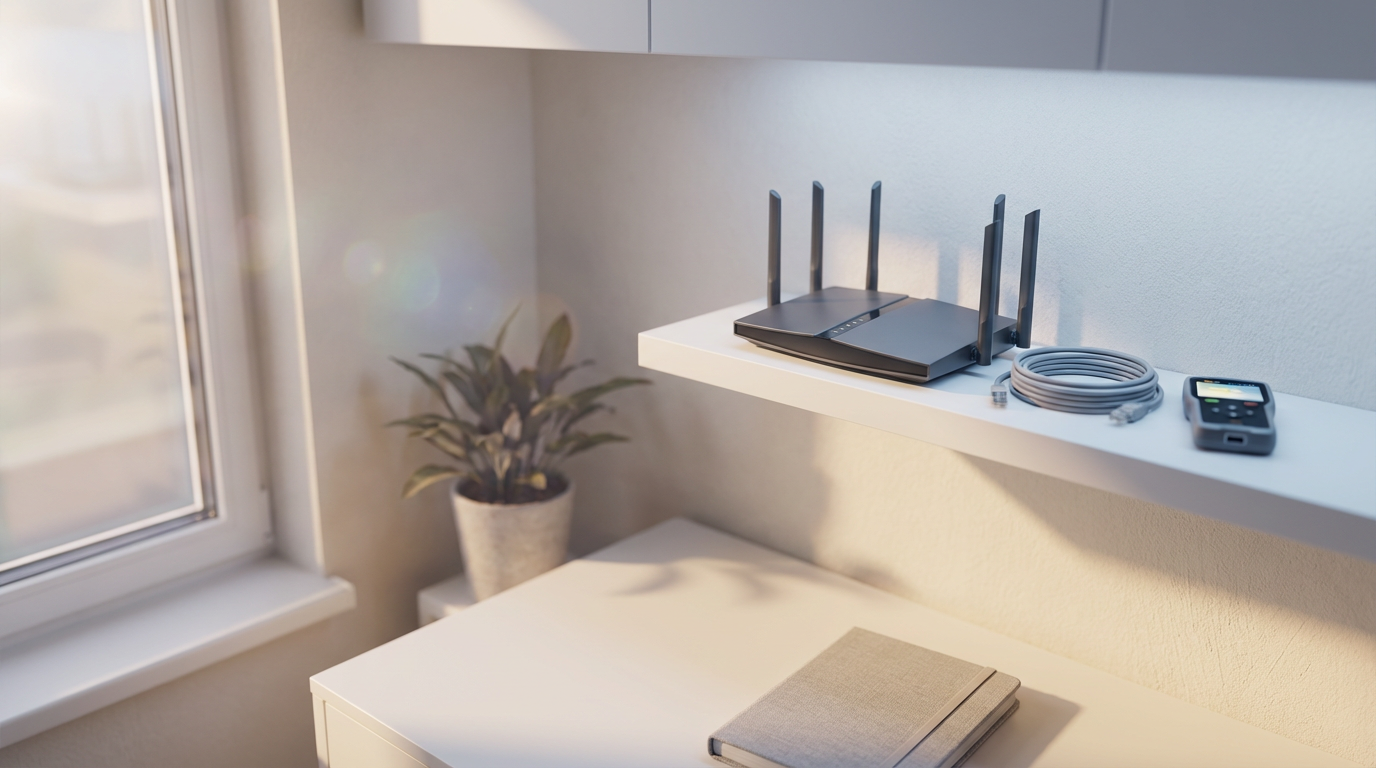
Wifi not reaching upstairs is typically caused by physical obstructions like thick floors and walls or poor router placement in a lower level of the home. You can improve coverage by moving your router to a central location, or by installing a mesh Wi-Fi system to ensure a strong signal reaches every room.
You settle into your upstairs office only to find that your high speed connection has slowed to a crawl, or worse, vanished entirely. This frustration is a common reality for many residents in Bristol, where the thick stone of Victorian terraces and the solid brickwork of 1930s semis often act as physical barriers to modern connectivity. A weak signal does more than just interrupt your evening stream. It compromises your professional productivity and prevents you from utilizing the full bandwidth you pay for every month. Understanding why these dead zones exist is the first step toward fixing them. In this guide, we will explore the specific challenges of local home construction, evaluate the merits of mesh systems versus powerline adapters, and provide practical steps to ensure every corner of your property enjoys a stable, robust connection.
The Frustration of the Bristol Dead Zone
It is a scenario I encounter almost every week across Bristol. You have a lightning-fast connection in your Totterdown living room, but the moment you step into the back bedroom or try to work from an upstairs office, the signal vanishes. This dead zone is more than a minor annoyance; it disrupts video calls, stalls downloads, and makes working from home a battle against the buffering icon.
While wifi not reaching upstairs is a universal frustration, Bristol residents face specific hurdles. Our city’s unique housing stock, ranging from the dense Victorian terraces of Bedminster to the tall, narrow homes in Southville, presents physical challenges that standard routers simply aren't designed to overcome. What works in a modern, open-plan apartment in the City Centre often fails when faced with the solid masonry of a traditional Bristol home. If you are struggling with persistent connectivity gaps, professional technical support can help identify the root cause. Understanding why your signal is struggling is the first step toward reclaiming your home network.
Why Bristol Homes Struggle with Wi-Fi Signals
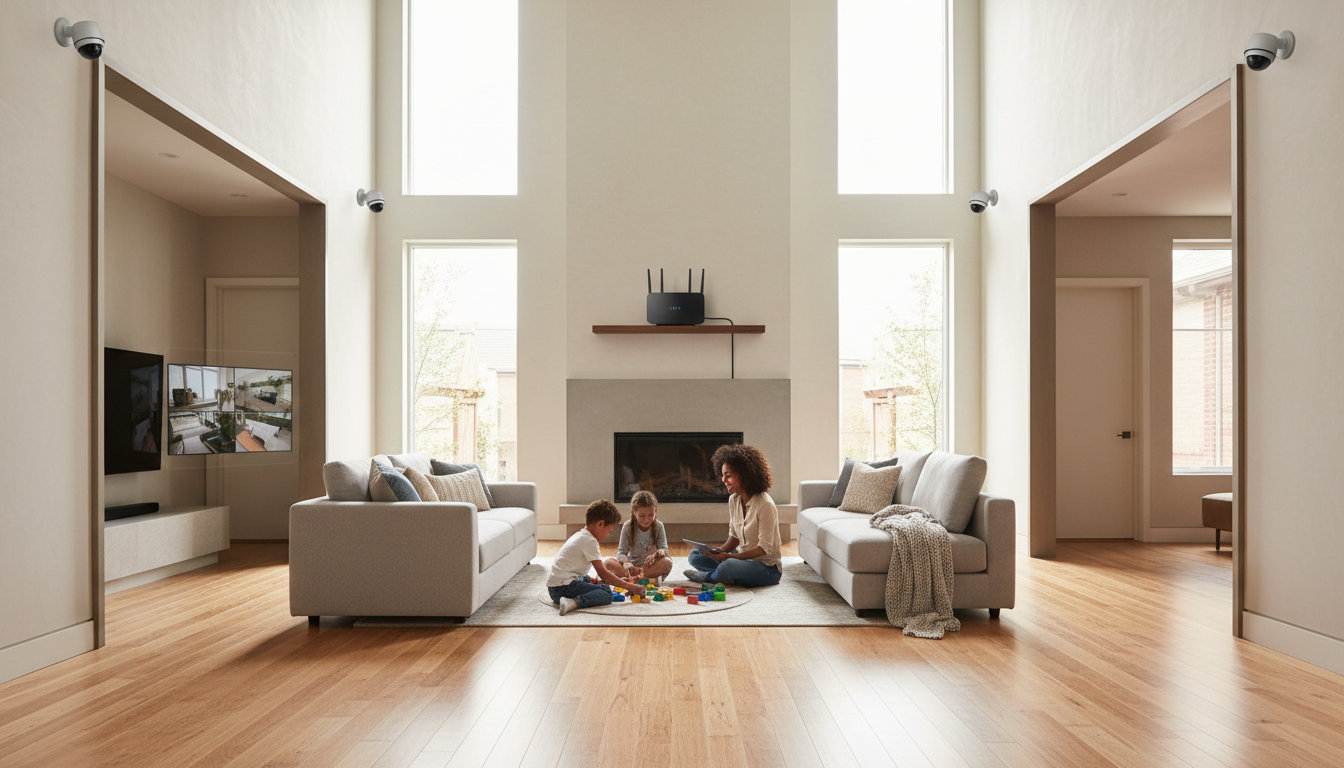
The core of the issue lies in the materials used to build our city. To understand how Wi-Fi travels, it is helpful to think of it like sound. If you shout from the hallway, your voice passes easily through a hollow wooden door, but it is heavily muffled by a thick, solid wall. Wi-Fi signals operate on a similar principle. They are high-frequency radio waves that lose energy every time they encounter a dense object.
In areas like Southville and Staple Hill, the Victorian and Edwardian terraces are constructed with thick, solid brick and often local stone. These materials are incredibly dense. By the time a signal from your router tries to penetrate a double-brick chimney breast or a load-bearing wall, there is often very little energy left on the other side. This is the primary reason for wifi not reaching upstairs in older properties; the house itself acts as a series of physical filters that strip away your signal strength.
Conversely, newer developments in Emersons Green present a modern challenge. While the walls may be thinner, they often contain foil-backed insulation. Because metal reflects radio waves, these foil layers can act as a Faraday cage, effectively sealing the Wi-Fi signal inside a single room and preventing it from migrating to the rest of the house. Large mirrors, which use a metal silvering process, and metal structural beams further compound the problem by bouncing the signal away from its intended destination. If your home’s layout seems to be winning the battle against your router, seeking professional technical support can help identify which specific architectural features are blocking your path to a stable connection.
Common Obstacles: Beyond Just Walls
While the stone and brickwork are major culprits, I often find smaller, everyday objects are the real reason for wifi not reaching upstairs. You might wonder, "Why are my walls blocking my Wi-Fi signal?" but the answer often lies in what is sitting against them. Large fish tanks are a prime example. Because water is incredibly dense and conductive, it absorbs radio waves rather than letting them pass through. If your router is positioned behind a large tank in a Bedminster living room, the signal is essentially being muffled before it even reaches the hallway.
Kitchen appliances are equally disruptive. Microwaves, in particular, operate on the same 2.4GHz frequency as many Wi-Fi networks; running one can temporarily drop your connection entirely. Even heavy furniture, like solid oak wardrobes or floor to ceiling bookshelves in a Mangotsfield home, acts as a significant barrier. A common mistake is tucking the router away inside a wooden TV cabinet to hide the cables. This surrounds the device with signal absorbing material, stifling the range at the source. Maintaining a clear line of sight between the router and your devices is vital for performance. If your setup is currently hidden behind clutter, professional technical support can help reconfigure your layout. To resolve these hidden interference issues, you can contact SWIT for a home visit to evaluate your space.
Quick Wins: Optimising Your Current Router Placement
Before investing in new hardware, you should first assess the physical position of your router. Many Bristol residents find that their hub is tucked away in a corner near the front door or hidden inside a cupboard under the stairs. This is the most common reason for wifi not reaching upstairs. Because Wi-Fi signals travel in all directions, placing the router against an external wall effectively wastes half of its potential range on the street outside.
The ideal location is central and elevated. Aim for a shelf or sideboard rather than the floor. Elevation helps the signal clear furniture and floor level obstacles. You should also ensure it is kept away from other electronics like cordless phone bases or baby monitors, which can cause signal interference. This is especially important in the City Centre, where competing signals from neighbours are already crowding the airwaves.
I am frequently asked if it is better for WiFi to be upstairs or downstairs. Generally, router antennas are designed to radiate signal slightly downwards and outwards. A central ground floor position is typically best for a balanced signal across the whole house. However, in a tall Southville Victorian home, an upstairs hallway might be better if the majority of your heavy internet use occurs on the upper floors. If your router has adjustable antennas, try pointing one straight up and the other horizontally. This ensures the signal is broadcasting on both the vertical and horizontal planes. If you are struggling to find the sweet spot in your layout, my home computer setup services can help you find the optimal configuration.
Wi-Fi Extenders vs Mesh Systems: Which Is Right for You?

If adjusting your router’s position doesn't solve the problem, it is time to look at hardware solutions. The two most common options are Wi-Fi extenders and Mesh systems, but they function very differently. A Wi-Fi extender works by picking up the existing signal from your router and rebroadcasting it. While this sounds ideal, it is often a sticking plaster rather than a cure.
One of the main downsides of using a WiFi extender is that it typically halves your available bandwidth. Because the extender uses the same wireless channel to receive data and then re-transmit it, your connection speed takes an immediate hit. Furthermore, extenders often create a second network name, such as "Home_WiFi_EXT." As you move between rooms in a Bedminster terrace, your phone may stay connected to the weak router signal in the lounge rather than switching to the stronger extender signal in the hallway. This "sticky" connection is a frequent cause of frustration.
For larger Bristol homes or properties with multiple floors, a Mesh system is the professional choice. Instead of a single router trying to do all the heavy lifting, a Mesh setup uses several nodes placed strategically around the house to create one seamless network. Unlike extenders, Mesh nodes communicate with each other intelligently to ensure your device is always connected to the strongest possible point without any manual switching. I often implement these systems as part of my home computer setup services to ensure every room has a solid connection.
Feature | Wi-Fi Extender | Mesh System |
|---|---|---|
Connection Speed | Reduced (up to 50% loss) | High/Full Speed |
Network Name | Usually a separate SSID | Single, seamless name |
Device Roaming | Manual or unreliable | Automatic and smooth |
Best For | Small flats or single rooms | Large or multi-story homes |
If you find these hardware choices overwhelming, professional technical support can help you select and configure the right kit for your specific floor plan. A Mesh system is usually the most reliable way to solve the issue of wifi not reaching upstairs in older Totterdown or Southville homes where brickwork is a major barrier.
The Powerline Adapter: A Secret Weapon for Thick Walls
If a mesh system feels like overkill for a single dead zone, the Powerline adapter is a highly effective alternative. These devices address the issue of wifi not reaching upstairs by bypassing the air entirely. Instead of struggling to push radio waves through the solid masonry found in Staple Hill or Bedminster, they use the copper electrical wiring already hidden inside your walls to transmit data.
The setup involves two small plugs. You connect one to your router via an Ethernet cable and plug it into a nearby wall socket. The second adapter goes into a socket in your target room, such as a back bedroom or a converted loft. The internet signal travels through your home's electrical circuit, emerging at the second plug where you can connect a device directly or broadcast a fresh Wi-Fi signal. This method effectively turns your home's internal wiring into a high speed data cable. It is particularly useful in older Victorian properties where brickwork is simply too dense for standard signals to penetrate. If you are unsure if your home’s wiring is suitable for this technology, professional technical support can help you evaluate your electrical layout for the best possible results.
Troubleshooting Virgin Media and Sky Hubs
Many residents find that despite paying for high-speed packages, Virgin Media wifi is not reaching all rooms. The standard routers provided by ISPs like Virgin or Sky are designed to be cost-effective for millions of customers, making them a jack of all trades that often lacks the signal punch required for complex layouts. While these hubs work fine in a single-level City Centre flat, they often fail when faced with the three-story architecture of a Mangotsfield terrace.
This hardware limitation is a primary reason for wifi not reaching upstairs, as the built-in antennas struggle to penetrate multiple ceilings and floors. If you have consistent dead zones, the most effective solution is often putting your ISP hub into Modem Mode. This disables the hub's basic Wi-Fi and allows you to connect a dedicated third-party router or a mesh system to handle the signal distribution. Transitioning to this setup requires specific configuration steps to ensure your security settings remain intact. If you need assistance, you can contact SWIT for a home visit to configure a more capable network using my home computer setup services.
When to Call a Professional IT Technician

If you have tried repositioning your router and upgrading your hardware but still find your wifi not reaching upstairs, the problem likely lies in your environment's invisible radio traffic. In densely populated spots like the City Centre or Southville, overlapping channels from dozens of nearby routers cause signal collisions that hardware alone cannot solve. I provide professional technical support to scan these frequencies and reconfigure your settings for a clearer path.
Every home layout in Bristol is unique. A loft conversion in Bedminster requires a different strategy than a basement flat in Totterdown. I offer on-site assessments to determine the exact hardware needs for your specific property, ensuring you do not overspend on unnecessary kit. Since technical issues do not always align with a nine to five schedule, I offer flexible evening availability for all home computer setup services. To book a diagnostic check, you can contact SWIT for a home visit and get your network running reliably.