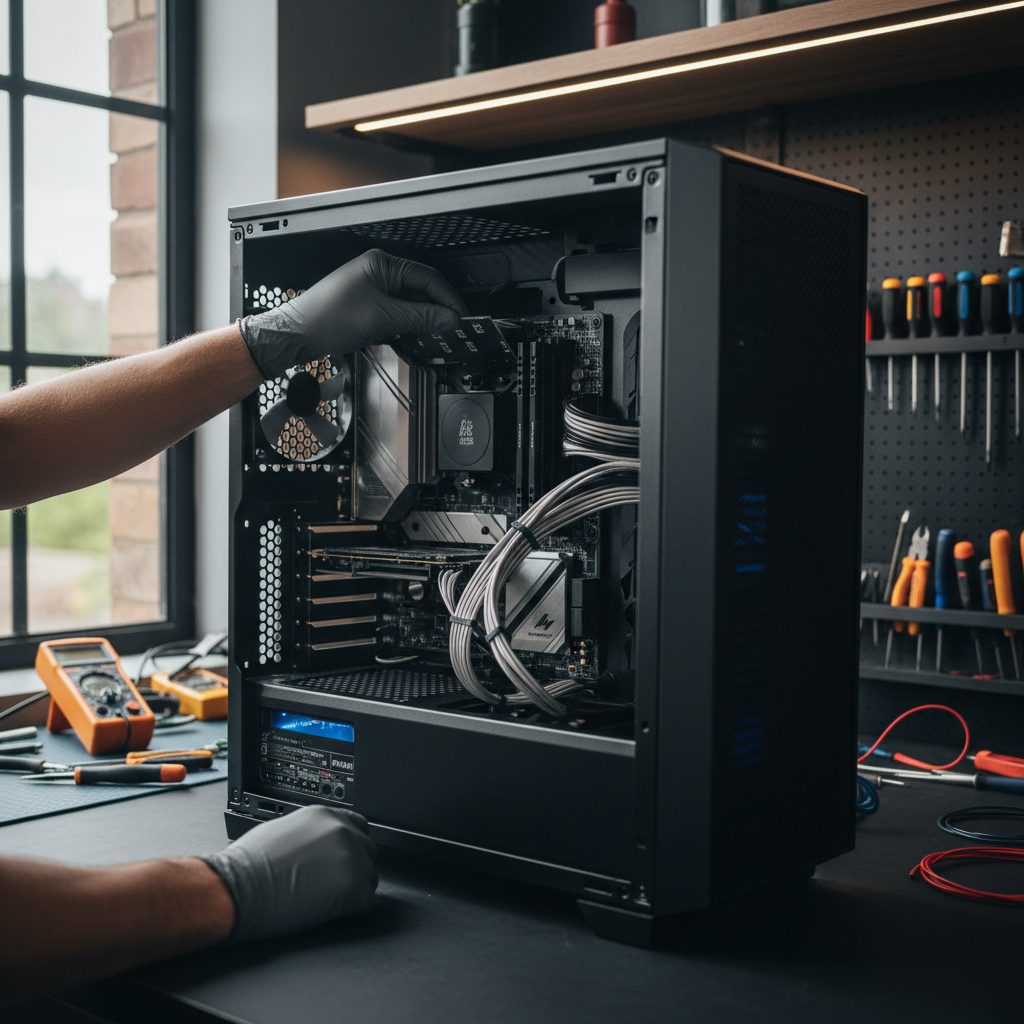
Professional home computer setup Bristol services involve physical assembly, network configuration, and the installation of essential security updates and software. Experts also provide data migration from old machines and printer connectivity; this ensures your new workstation is fully optimized for immediate use.
Staring at a tangled nest of cables and a flickering screen can quickly turn the excitement of a new computer into a frustrating evening of troubleshooting. For many professionals in Bristol, the challenge is not just plugging in a monitor; it is navigating the complexities of Microsoft account integrations, bloatware removal, and secure data migration. A poorly configured system often leads to long-term performance bottlenecks and avoidable security vulnerabilities. This guide explains exactly what to expect when a technician visits your home to handle the heavy lifting. We will cover everything from physical installation and Windows 11 optimization to the specific ways SWIT streamlines the process for local residents. You will learn how we transform a box of parts into a high-performance workstation, ensuring your digital life is transferred safely and your new hardware is ready for immediate, professional use.
Why Professional Home Computer Setup Matters for Bristol Residents
Bringing home a new PC or Mac should be an exciting milestone, yet the reality often involves a frustrating evening spent staring at loading bars and complex configuration menus. While buying a machine from a major high street retailer or department store is straightforward, the transition to your actual home environment is where the easy setup often fails. Manufacturers design these processes for ideal conditions, but they rarely account for the specific hardware combinations or networking quirks found in Bristol homes.
A DIY approach might get you to the desktop, but a professional home computer setup Bristol service ensures your machine is optimized for speed and hardened against security risks. Professional intervention prevents common issues like accidental BitLocker lockouts, privacy-invasive data harvesting, and the sluggish performance caused by pre-installed trialware. You can learn more about our local Bristol IT support and how we adapt technology to your specific living space.
SWIT bridges the gap for residents in areas like Clifton, Redland, and Bedminster who need their equipment to work perfectly from day one. Instead of spending your weekend troubleshooting, you can contact SWIT for evening technical support to have a specialist handle the unboxing, installation, and optimization. Choosing professional computer setup services means your new investment is reliable, fast, and ready for your specific workload the moment the technician leaves.
Preparation: What You Need Ready Before Your Technician Arrives
To get the highest value from your professional computer setup services, a few minutes of preparation ensures the appointment focuses on technical optimization rather than administrative delays. The following essentials help the process move smoothly during your scheduled evening visit.
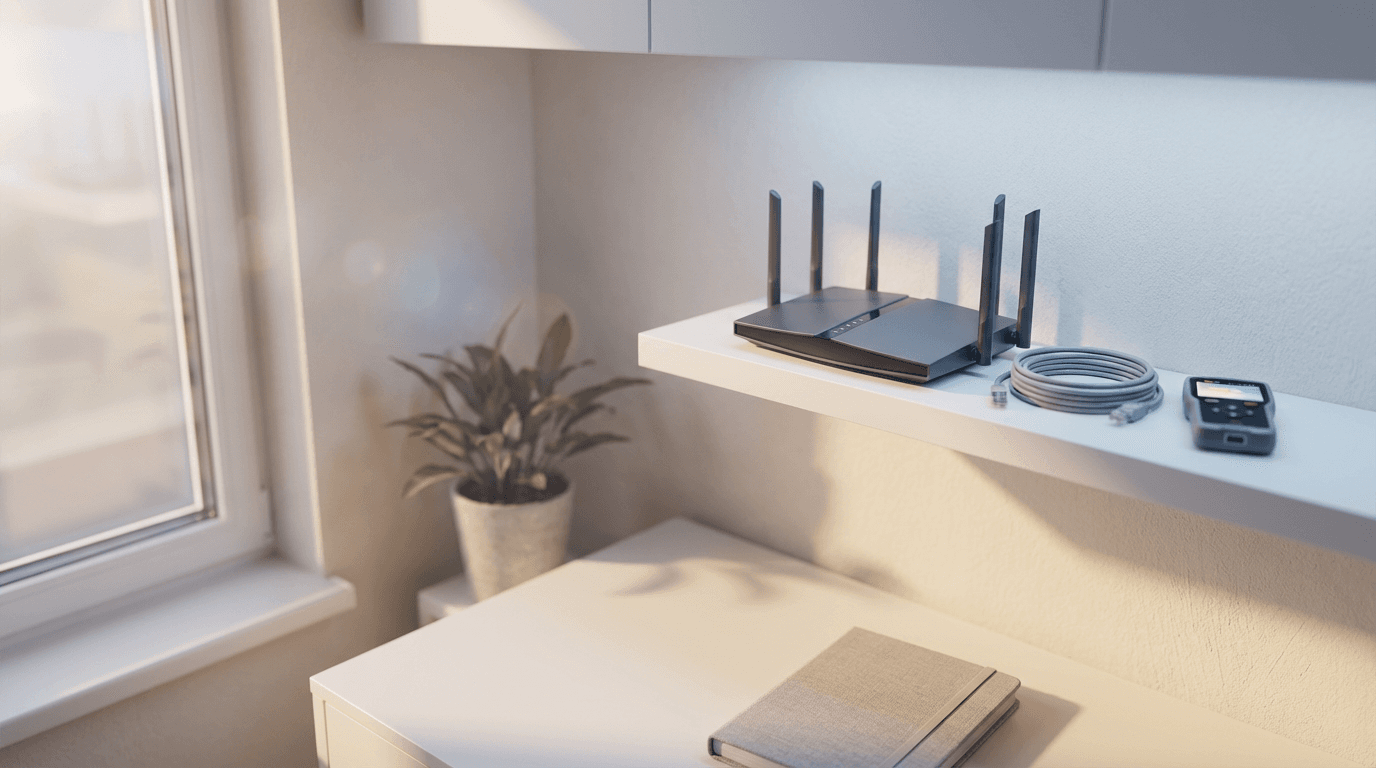
First, locate your WiFi network name and password. While this sounds basic, searching for the router card or a hidden notebook mid-setup can stall the configuration of background updates and cloud syncing. Similarly, have your primary email address and existing login details ready for Microsoft, Apple, or Google accounts. Modern operating systems require these credentials for activation; having them at hand allows for the immediate restoration of your browser history, bookmarks, and existing cloud files.
If you require a new computer setup from old one service to migrate your documents, photos, and settings, please ensure your old machine is nearby with its power cable available. Professional data migration is most efficient when both machines are powered on and accessible simultaneously.
Before I arrive for your home computer setup Bristol appointment, please clear a workspace that allows for easy access to your power outlets and the back of the machine. Unlike standard retail setups that often stop at the desktop screen, I test your entire hardware ecosystem. This means having your printer, external monitors, and any specialist peripherals like scanners or webcams ready for connection. Testing these components during the initial visit prevents the frustration of discovering a driver conflict or a faulty cable later on. This proactive approach ensures your entire home office is fully operational before the session concludes.
Phase One: Physical Installation and Cable Management
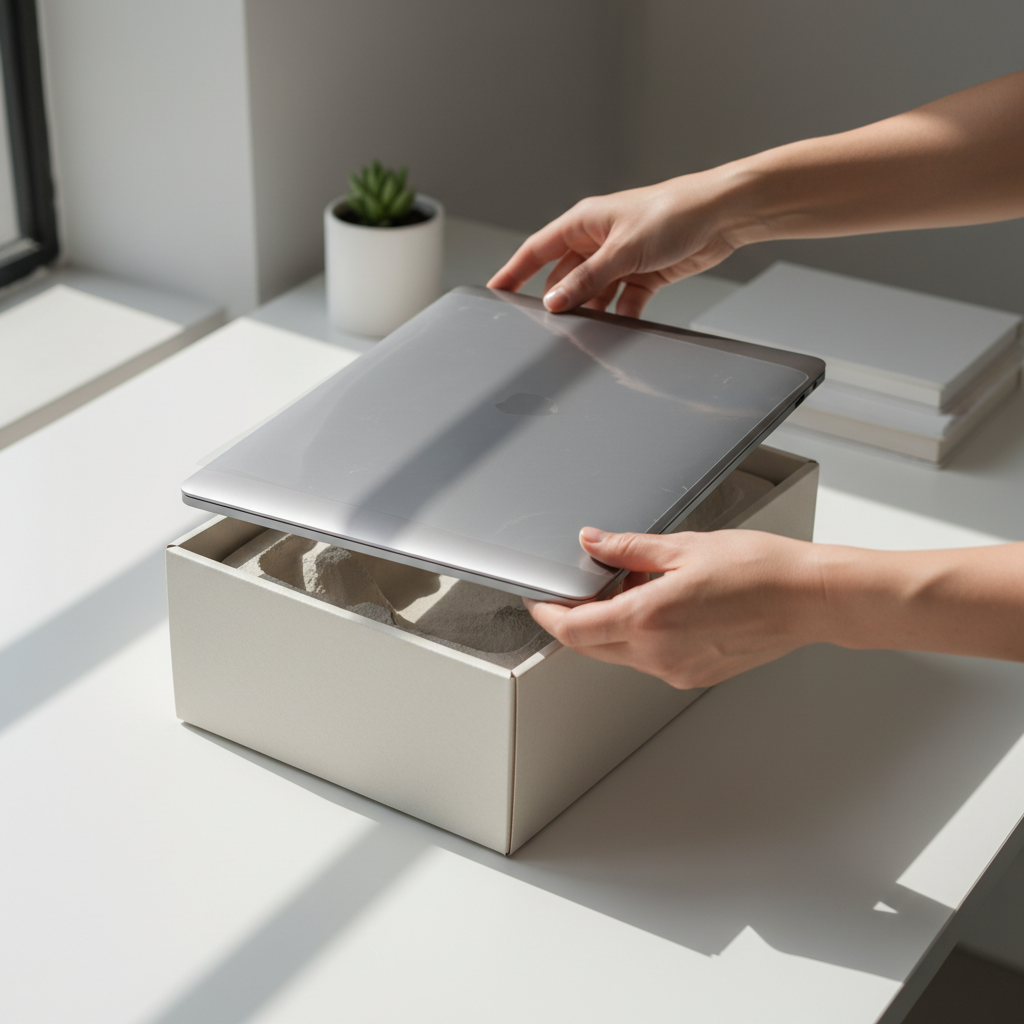
Once your workspace is ready, the physical installation begins with a methodical unboxing and inspection. It is surprisingly common for hardware to sustain minor transit damage that might go unnoticed until it causes a hardware failure weeks later. As part of a home computer setup Bristol residents can trust, I verify the integrity of the chassis, screen, and ports before a single cable is connected.
Correct placement of the machine is the next priority. Desktop towers require adequate clearance for intake and exhaust fans to prevent thermal throttling, while laptops often benefit from specific positioning to avoid port strain. I ensure the machine is not resting on thick carpet or trapped in a cabinet without ventilation, which preserves the lifespan of your internal components.
The final step of the physical phase is cable management. A professional setup replaces the typical 'birds nest' of wires with a clean, organized layout. I route cables to prevent trip hazards and use discreet ties to keep the area behind your desk tidy. This isn't just about aesthetics; organized cabling makes it far easier to swap peripherals later and prevents dust buildup, which is a leading cause of overheating in Bristol’s older homes. This meticulous approach is a core part of my professional computer setup services, turning a chaotic box of parts into a streamlined workstation.
Phase Two: The Windows 11 Setup and the Microsoft Account Hurdle
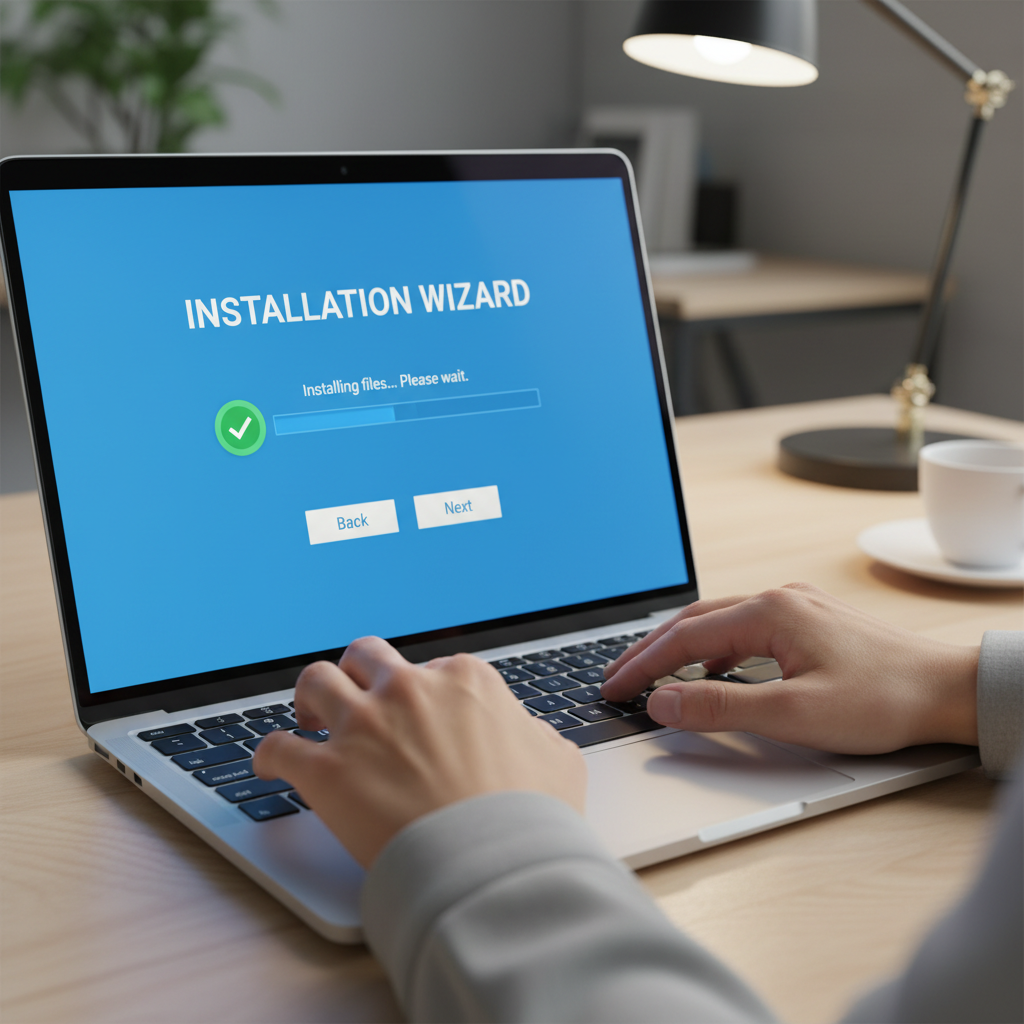
After the physical installation is complete, pressing the power button triggers the Windows 11 Out of Box Experience (OOBE). This sequence of setup screens is designed to be user-friendly, yet it often presents a significant barrier: the forced requirement of a Microsoft account. Many clients prefer a new computer setup without microsoft account to maintain greater control over their privacy and to keep their login local to the machine.
Navigating this requirement requires specific technical workarounds that are not immediately obvious on the screen. As part of my professional computer setup services, I help you decide which account type suits your workflow. A Microsoft account offers seamless integration with OneDrive and automatically saves your BitLocker recovery key to the cloud, which is vital if you ever face an encryption lockout. However, a local account provides a traditional experience where your identity and files remain strictly on your hardware.
Feature | Microsoft Account | Local Account |
|---|---|---|
Data Syncing | Automatic across devices | No syncing by default |
Recovery | Online password and key reset | Reset disk or technician required |
Privacy | Higher telemetry and data sharing | Maximum local privacy |
App Store | Full access to Microsoft Store | Restricted app downloads |
During this phase, I also address the intrusive privacy defaults that Windows 11 enables. I manually disable settings for tailored advertising, location tracking, and diagnostic data harvesting that many Bristol residents find unnecessary. If you prefer the local account route, I can perform the necessary bypasses to ensure you are not forced into an online subscription model. You can read more about our local Bristol IT support and how I prioritize user autonomy during every visit. By handling these complexities, I ensure your machine is configured according to your preferences rather than the manufacturer's defaults. If you are ready to get started, you can contact SWIT for evening technical support to book your home computer setup Bristol appointment.
Phase Three: Software Installation and Removing Bloatware
Once the operating system is stable, the focus shifts to the software environment. Many users are surprised to find that a brand-new machine often feels sluggish immediately after unboxing. This is typically caused by bloatware, which includes pre-installed trialware, promotional games, and manufacturer utilities that run in the background. These programs consume valuable system memory and CPU cycles from the moment you boot up, often leading to slow startup times and intrusive pop-ups.
As part of my professional computer setup services, I perform a clean sweep of this 'crapware.' This involves identifying and removing intrusive third-party antivirus trials and factory-installed links that clutter your desktop. Removing these unnecessary layers ensures your hardware performs at its peak speed from day one. I also ensure that the machine is fully updated, as factory images are often several months old by the time the device reaches your home.
With the clutter removed, I proceed with installing essential new computer setup software. For most Bristol households, this includes a standard suite of tools tailored to your daily needs:
Category | Recommended Software | Purpose |
|---|---|---|
Browsing | Google Chrome or Mozilla Firefox | Faster, more secure alternative to default browsers |
Productivity | Microsoft 365 or LibreOffice | Essential for document and spreadsheet work |
Document Handling | Adobe Acrobat Reader | The industry standard for viewing and signing PDFs |
Communication | Zoom, Teams, or WhatsApp | Keeping you connected with family or colleagues |
Beyond the basics, I can assist with more complex installations that often prove difficult for home users. This includes configuring VPNs for secure remote work, setting up password managers to improve your online security, or installing specialized creative suites. You can learn more about our local Bristol IT support and the specific range of applications I can configure. If you have a list of tools you need ready for work the next morning, contact SWIT for evening technical support to ensure every application is licensed, updated, and correctly mapped to your hardware.
Connectivity and Peripherals: Getting Your Bristol Home Office Online
Connectivity is about more than just entering a WiFi password. In Bristol, many properties feature thick Victorian masonry or layouts spread across multiple floors, creating notorious network dead zones. During a home computer setup Bristol visit, I perform a site-specific signal test at your primary workstation. If your router is located in the hallway but your office is in a rear extension or a converted attic room, I can identify exactly where the signal drops. I provide practical advice on local networking solutions, such as mesh systems or Powerline adapters, to ensure your connection remains stable for video calls and large file transfers.
Once the internet is stable, I integrate your external hardware. Connecting a printer or scanner involves more than a USB cable; it requires the correct manufacturer drivers to enable full functionality, such as duplex printing or scan-to-cloud features. I also configure webcams and microphones, testing them within your preferred conferencing apps to verify your audio and video are crisp. By choosing professional computer setup services, you avoid the common frustration of offline printers or non-responsive peripherals. You can learn more about our local Bristol IT support and how I handle hardware integration. If you have a complex desk setup or multiple monitors to align, you can contact SWIT for evening technical support to ensure every device is perfectly calibrated before your next working day begins.
Data Migration and Security: Moving Your Digital Life Safely
The final hurdle in a successful home computer setup Bristol project is the secure migration of your digital history. Moving years of photos, financial documents, and browser profiles from an old machine requires a structured approach to avoid data corruption or the accidental transfer of legacy malware. I use encrypted, high speed connections to move your files, ensuring that your sensitive information remains private and intact throughout the transition.
Security extends beyond just moving files; it involves hardening the new system against future threats. A critical part of my professional computer setup services is the configuration of BitLocker drive encryption. Many users are unaware that Windows often enables encryption by default, which can lead to permanent data loss if the recovery key is not properly backed up during the initial setup. I ensure your recovery keys are stored safely and that your primary antivirus, whether it is Windows Defender or a third party suite, is updated and correctly configured to provide real time protection.
Backup Method | Pros | Best For |
|---|---|---|
Cloud (OneDrive/iCloud) | Automated, off-site protection | Documents and essential photos |
Local External Drive | Fast recovery, no monthly fees | Large media libraries and system images |
Hybrid Approach | Maximum redundancy | Critical business or personal data |
Establishing a robust backup routine is what shifts the service from a simple installation to a long term solution. You can learn more about our local Bristol IT support and how I prioritize data longevity. By the end of this phase, your new machine is not just functional; it is a resilient digital vault. If you have years of data trapped on an aging PC, you can contact SWIT for evening technical support to manage the migration securely and professionally.
The SWIT Advantage: Evening Appointments for Busy Professionals

Reliability and security are paramount, but technical expertise is only valuable if it is accessible. Most traditional repair shops in Bristol follow standard retail hours, closing their doors just as the average professional is leaving the city center or finishing a commute. This misalignment often forces you to take time off work or leave your expensive hardware at a counter, losing the opportunity to see how it integrates with your specific home environment.
SWIT operates differently by offering flexible evening availability tailored to your schedule. Booking a home computer setup Bristol appointment for the evening means you are present to witness the final configuration. You receive a personalized walkthrough of the new interface, verify that peripherals work across your network, and ask specific questions about your workflow. This hands-on approach ensures your machine is ready for immediate use. You can learn more about our local Bristol IT support and our commitment to providing professional computer setup services that fit your life. If you need your workstation optimized for tomorrow's first meeting, contact SWIT for evening technical support to secure a convenient time slot.
A successful home computer setup ensures your technology operates reliably and securely right from the start. By knowing what to expect during a visit, you can prepare your workspace for a smooth and efficient transition. While many tasks can be handled independently, professional assistance often provides extra confidence and technical precision. If you want expert help configuring your devices or securing your local network, feel free to browse our full range of IT services. We are always available to help your home office run at its absolute best.