Computer performance typically drops due to excessive startup programs, insufficient RAM, or a cluttered hard drive that limits system resources. To understand why is my computer so slow, you should investigate background processes, malware, or overheating issues that strain the processor. Regular software maintenance or seeking professional hardware repairs in Bristol can effectively restore your device's speed and efficiency.
Watching a loading icon spin while you are on a tight deadline is one of the most draining experiences in the modern workplace. You remember when this machine felt instant, but now even opening a simple spreadsheet feels like a chore. This performance lag is rarely just a minor inconvenience; it is a direct drain on your company’s billable hours and employee morale. Understanding whether your hardware is genuinely outdated or simply suffering from poor maintenance is the first step toward reclaiming your productivity. In this guide, we analyze the primary culprits behind system slowdowns, from bloated software to aging mechanical drives. You will learn how to identify sudden performance drops and when a simple SSD upgrade can save a seven year old machine. We also provide practical maintenance steps and explain when it is time to seek professional technical support here in Bristol.
The Evolution of Slowness: Why Perfectly Good Hardware Feels Outdated
It is a common frustration for home users across Bristol. You bought a high-spec machine a few years ago, yet today it struggles with basic tasks. People often ask, "why is my computer so slow," assuming the physical parts are wearing out. In reality, processors and memory chips rarely wear out in the traditional sense. Unless a component suffers from extreme overheating or a power surge, the silicon remains as capable today as it was on day one.
The issue is almost always a widening gap between your static hardware and ever-evolving software. To use a simple analogy, think of your computer as a hiker. When you first bought it, the trail was flat and the backpack was light. Over time, software updates for Windows 10 and Windows 11 add more weight to that pack. These updates introduce new security layers, background telemetry, and visual features that require more processing power to maintain. While these features make the system more secure and capable, they tax older processors that were designed for the lighter demands of five or seven years ago.
This concept, often called software bloat, means your hardware isn't breaking; it is simply falling behind. Modern web browsers and operating systems are built with the assumption that you have the latest resources available. If you find your machine lagging under the weight of these modern updates, it might be time for professional computer setup and troubleshooting to streamline your system and remove unnecessary background processes. Understanding that your hardware remains static while the digital world moves forward is the first step in diagnosing performance issues.
Top 5 Reasons Your Computer Slows Down Over Time

While software evolution plays a significant role in performance lag, several specific technical bottlenecks often act as the primary culprits. Understanding these factors can help you determine if you need a simple software cleanup or a hardware upgrade. Here are the five most common reasons why your system may be struggling.
1. Excessive Startup Programs Many applications, including messaging tools, cloud storage, and even printer utilities, automatically configure themselves to launch the moment you log in. These apps sneak into the boot process during installation, often without clear notification. By the time you reach your desktop, dozens of processes are already competing for your processor’s attention, which significantly increases boot times and slows down initial responsiveness.
2. Insufficient RAM (Random Access Memory) RAM acts as your computer’s short term memory. Modern web browsers, particularly Google Chrome, are exceptionally demanding. Each open tab and extension consumes a portion of your RAM. If you are running a machine with only 4GB or 8GB of memory, a few open tabs alongside an email client can completely exhaust your available resources. When RAM is full, Windows is forced to use your much slower hard drive as temporary storage, causing the stuttering and delays that lead many to ask, "why is my computer so slow."
3. Saturated Storage Space Your operating system requires a certain amount of empty space to function. Windows uses this "scratch space" for temporary files, system updates, and virtual memory. When your drive reaches 90% capacity or higher, the system struggles to find contiguous blocks for these tasks. This leads to file fragmentation and significant slowdowns in file opening and saving operations.
4. Invisible Background Updates Windows 10 and 11 are designed to stay current through frequent background updates. These processes often include heavy disk indexing and security scans. If your hardware is older, these invisible tasks can consume a large percentage of your CPU cycles, leaving very little power for the applications you are actually trying to use.
5. Thermal Throttling Computers generate significant heat during operation. Over time, Bristol homes can introduce dust and pet hair into laptop vents and desktop fans. When a computer cannot dissipate heat effectively, it enters a state called thermal throttling. The system intentionally reduces the speed of the processor to prevent permanent hardware damage, resulting in a sudden and frustrating drop in performance.
Why is My Computer So Slow All of a Sudden?
While gradual decline is common, a computer that was fast yesterday but is crawling today points to a specific event rather than general software bloat. This usually stems from a software conflict or a hardware component reaching a critical breaking point. If the change happened overnight, there are three primary areas to investigate.
A pending Windows update is the most frequent culprit. Windows may be downloading a large feature update in the background, which consumes significant disk usage and processor cycles. In some cases, an update may have partially installed, creating a driver conflict that causes the system to stutter or freeze. Simply allowing the machine to complete its update cycle and restart can often resolve these immediate performance drops.
Hardware failure is another possibility, specifically regarding mechanical hard drives. These components can develop bad sectors over time. When the drive reaches a point where it can no longer read data reliably, the system will appear to hang as it repeatedly tries to access a file. If your folders take several seconds to open or the mouse cursor frequently sticks, the physical drive might be failing. This is a critical situation where you should contact SWIT for evening technical support to secure your data before the drive fails completely.
It is also vital to distinguish between your internet connection and local processing speed. Many users in Bristol feel frustrated because their Virgin Media or BT fiber connection is performing at high speeds, yet their computer feels sluggish. Local performance is independent of your broadband. A fast internet connection allows data to reach your home quickly, but if your processor is busy struggling with a malware infection or a background system task, the machine will still feel slow regardless of your download speeds.
The SSD Transformation: Is a 7 Year Old Computer Worth Fixing?
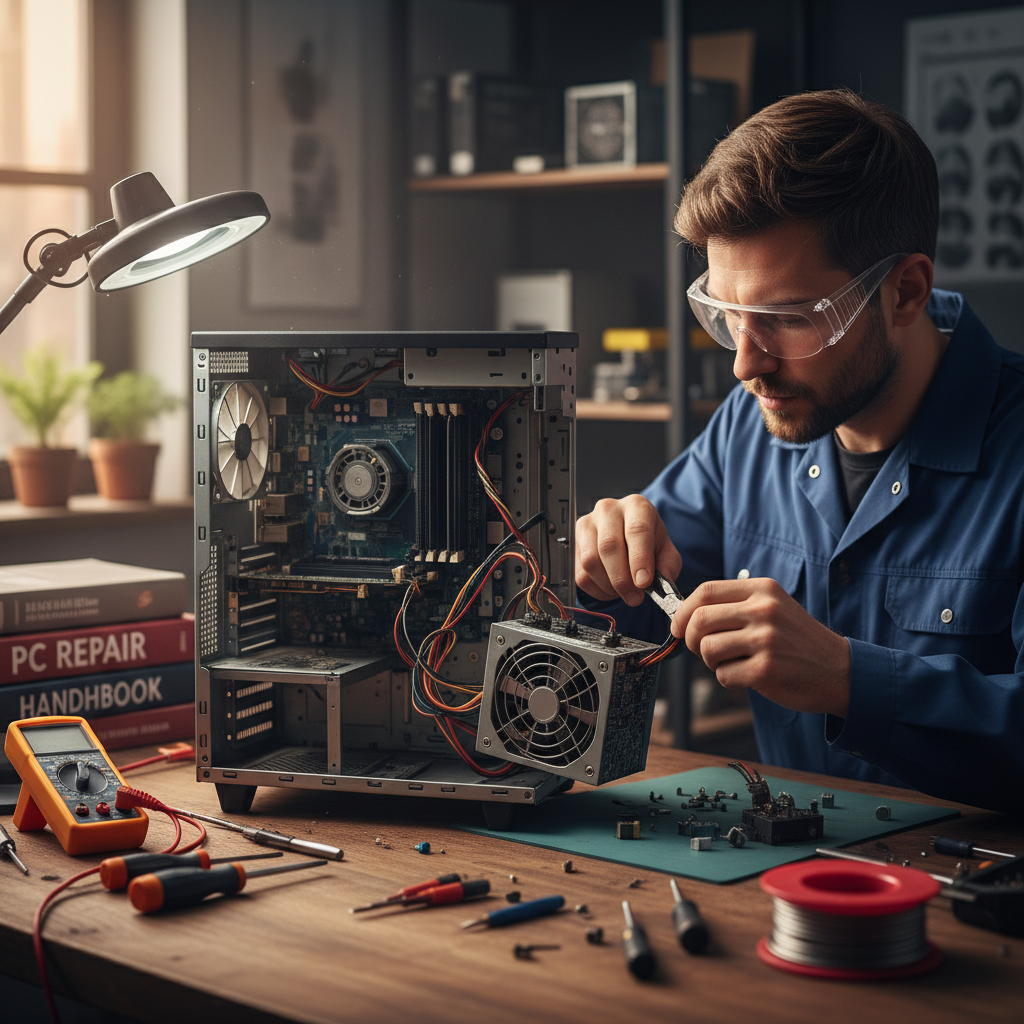
Many Bristol residents ask if a laptop from 2015 or 2017 is destined for the recycling center. The short answer is usually no. If your machine features an Intel i5 or an AMD Ryzen 5 processor from the last decade, it likely possesses the raw computational power required for modern web browsing, office work, and streaming. The reason you might still ask "why is my computer so slow" is often down to an outdated storage bottleneck rather than a lack of processing power.
Older computers typically rely on a mechanical Hard Disk Drive (HDD). These are physical devices containing spinning platters and a moving read/write arm. To understand the speed difference, imagine a clerk who must walk across a large office to a physical filing cabinet every time you need a single piece of information. As the drive ages and files become fragmented, that clerk gets slower. By contrast, a Solid State Drive (SSD) functions like an instant digital search engine. There are no moving parts; data is accessed electronically at speeds significantly faster than any traditional drive could ever achieve.
Replacing a sluggish HDD with a modern SSD can make a seven year old laptop feel faster than it was on the day you bought it. This single component swap is the most cost-effective way to revitalize a machine. Instead of spending £600 on a new mid-range laptop, an SSD upgrade provides a comparable boost in perceived speed for a fraction of the cost. Windows will boot in seconds rather than minutes, and applications like Word or Chrome will open almost instantly.
This transformation is a cornerstone of professional computer setup and troubleshooting. Migrating your existing photos, documents, and settings from a failing mechanical drive to a new SSD requires precision to ensure no data is lost during the transition. For many users, this upgrade is the most impactful way to eliminate daily digital frustration.
Maintenance Steps You Can Take Tonight
Many users leave their computers on for weeks, merely putting them to sleep or closing the laptop lid. A full restart remains the most effective first step in troubleshooting. This process flushes the Random Access Memory (RAM), clearing out the digital residue left behind by applications that failed to close properly. It forces the operating system to terminate background processes that may have become unresponsive, providing a clean slate for your processor to function as intended.
To tackle the issue of background bloat tonight, open the Task Manager by pressing Ctrl + Shift + Esc and navigate to the "Startup apps" tab. This list displays every program that launches the moment you log in. If you see applications like Spotify, cloud storage prompts, or game launchers marked as "High impact" that you do not need immediately, right-click and select "Disable." This reduces the immediate load on your system resources without actually uninstalling the software.
Be cautious of third-party "PC Optimizers" or registry cleaners found online; these are often unnecessary bloatware that can cause system instability. Instead, use the built-in Windows Disk Cleanup tool. Search for "Disk Cleanup" in the Start menu, select your primary drive, and check the boxes for "Temporary files" and "Recycle Bin." This safely removes junk data that can hinder file indexing and system responsiveness.
Finally, perform a physical inspection of your machine. Dust and pet hair frequently accumulate in laptop cooling vents or desktop fans, particularly in busy households. If you can see visible blockages, the system is likely overheating. Gently clearing these vents with a soft brush or a can of compressed air can prevent the thermal throttling that causes people to ask "why is my computer so slow" during standard tasks. These basic maintenance steps often provide immediate relief before you need to consider professional computer setup and troubleshooting for more complex hardware upgrades.
Professional Technical Support in Bristol: When to Call SWIT
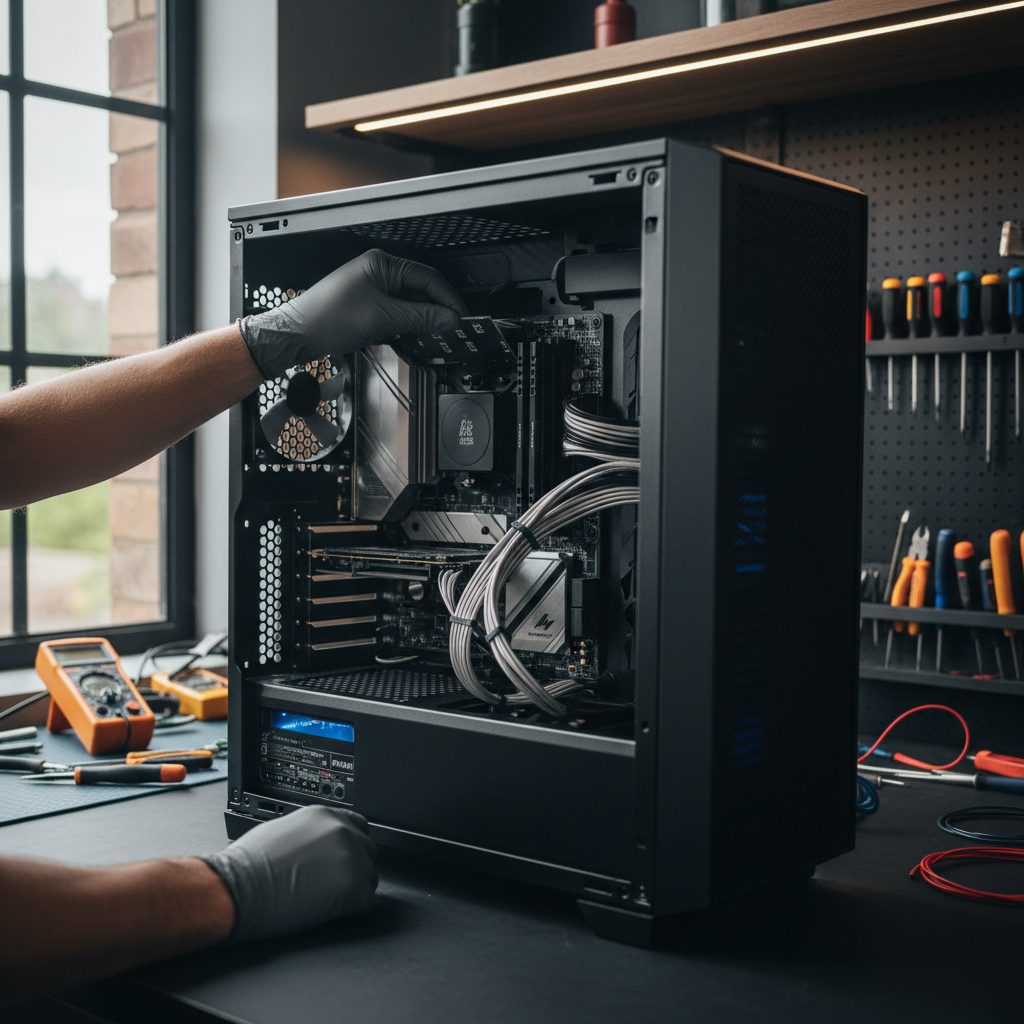
While the maintenance steps above provide a foundation, some hardware tasks carry risks for the inexperienced. If you have attempted basic cleanup and still find yourself wondering "why is my computer so slow," it may be time for expert intervention. SWIT provides mobile support across Bristol, including Clifton, Redland, and Bedminster, specifically tailored for busy professionals. Unlike traditional repair shops that require you to drop off your machine during working hours, I offer flexible evening availability. This ensures you can access professional computer setup and troubleshooting without taking time off work or lugging heavy equipment across the city.
Certain procedures require specialized tools and an anti-static environment. Opening a modern laptop to perform an internal cleaning or a RAM installation can easily lead to damaged ribbon cables or shorted motherboards if handled incorrectly. Furthermore, migrating your sensitive data and operating system to a new SSD is a precise operation where a single mistake can result in permanent file loss. By choosing a home visit, you eliminate the risk of transit damage and the frustration of reconnecting peripherals yourself. You can contact SWIT for evening technical support to receive a transparent, on-site assessment that restores your machine to its peak performance while you relax at home.
Identifying the cause of a sluggish computer is essential for restoring its speed. Whether the issue is outdated hardware, software bloat, or background processes, understanding these factors helps you make informed decisions. If you find the troubleshooting process a bit overwhelming, professional assistance can quickly resolve these frustrations. You can learn more about our approach to IT support and how we help Bristol businesses maintain peak performance. We are here to ensure your technology works for you, not against you.