A ring doorbell not working is usually caused by a depleted battery, a weak Wi-Fi signal, or incorrect device settings. To fix this, users should check the power status, verify the internet connection, and ensure the chime or motion settings are properly configured in the app.
There is nothing more frustrating than expecting a delivery or a visitor only to find that your Ring doorbell has silently disconnected from your network. For many homeowners in Bristol, these smart devices are essential for peace of mind, yet technical glitches like power failures or connectivity drops often occur at the most inconvenient times. Whether your device is refusing to charge, failing to chime inside the house, or simply ignoring motion alerts, understanding the root cause is the first step toward a reliable fix. This guide provides a straightforward, expert approach to troubleshooting your doorbell issues. You will learn how to navigate common Wi-Fi barriers, manage hardwired power complexities, and perform a proper hard reset to restore your home security. We cover everything you need to get your front door back online without the technical jargon.
Why Your Ring Doorbell Might Be Acting Up
It is genuinely frustrating when you realize your ring doorbell not working as expected. You might miss an important delivery or feel a sudden gap in your home security, and troubleshooting often feels like guesswork when the device simply stops responding. In Bristol neighbourhoods like Bedminster and Southville, the local architecture is often the hidden culprit. The thick Victorian stone and brick walls that make these homes so characteristic also act as significant barriers for wireless signals, frequently causing intermittent connectivity issues.
While these devices are excellent for peace of mind, they are sophisticated pieces of hardware prone to specific glitches. I often see these issues while providing professional IT support services to residents across the city. Most problems stem from one of four primary areas:
Battery Power: Unexpected drainage or a failure to hold a charge.
Wi-Fi Strength: Signal interference caused by distance or those solid Bristol walls.
App Settings: Silent updates or configuration errors that block notifications.
Mechanical Chime: Faults in how the device communicates with your existing internal bell.
If you are dealing with Smart Home Devices Not Connecting, rest assured that these problems are usually solvable with a systematic approach. For those who need a hands-on fix, I offer evening technical support in Bristol to ensure your home tech is reliable without interfering with your working day.
Is Your Ring Doorbell Not Charging or Out of Power?
The first step in diagnosing a power issue is to open the Ring app and select your device to view the Device Health screen. Here, you will find a specific percentage for your battery level. If your ring doorbell not working because the battery has drained completely, the app will usually flag this with a low-power warning. If you find your ring doorbell not charging despite being connected to power, you are likely dealing with either a faulty cable, a weak power source, or environmental factors.
How long does a Ring doorbell take to charge? A full charge typically takes between 5 and 10 hours. This duration depends on whether you are using the provided orange USB cable and if the power source is a high-output wall plug or a lower-output laptop port. While charging, the device provides visual feedback through its LED ring:
Light Pattern | Meaning |
|---|---|
Flashing Blue | The battery is currently charging; the blue circle will fill as it progresses. |
Solid Blue / Light Off | The battery is fully charged (behavior varies slightly by model). |
Flashing White | The device is reconnecting to Wi-Fi or installing a firmware update. |
A frequent query I receive during my professional IT support services involves the "battery not charging" error during Bristol's colder months. Lithium-ion batteries struggle significantly when temperatures drop. Residents in exposed or hilly areas like Totterdown or Mangotsfield often find their batteries drain much faster in winter. In some cases, if the temperature drops below freezing, the battery may stop accepting a charge entirely to protect its internal chemistry.
If your device is hardwired but still shows a declining percentage, the trickle charge from your transformer might be insufficient to keep up with high motion-event activity or the cold weather. If the battery remains unresponsive after a night indoors, it may be time to inspect the physical connections. For persistent power problems, my evening technical support in Bristol can help determine if your transformer is providing enough voltage or if the unit itself has a hardware fault.
The Bristol Wi-Fi Barrier: Dealing with Connectivity Drops
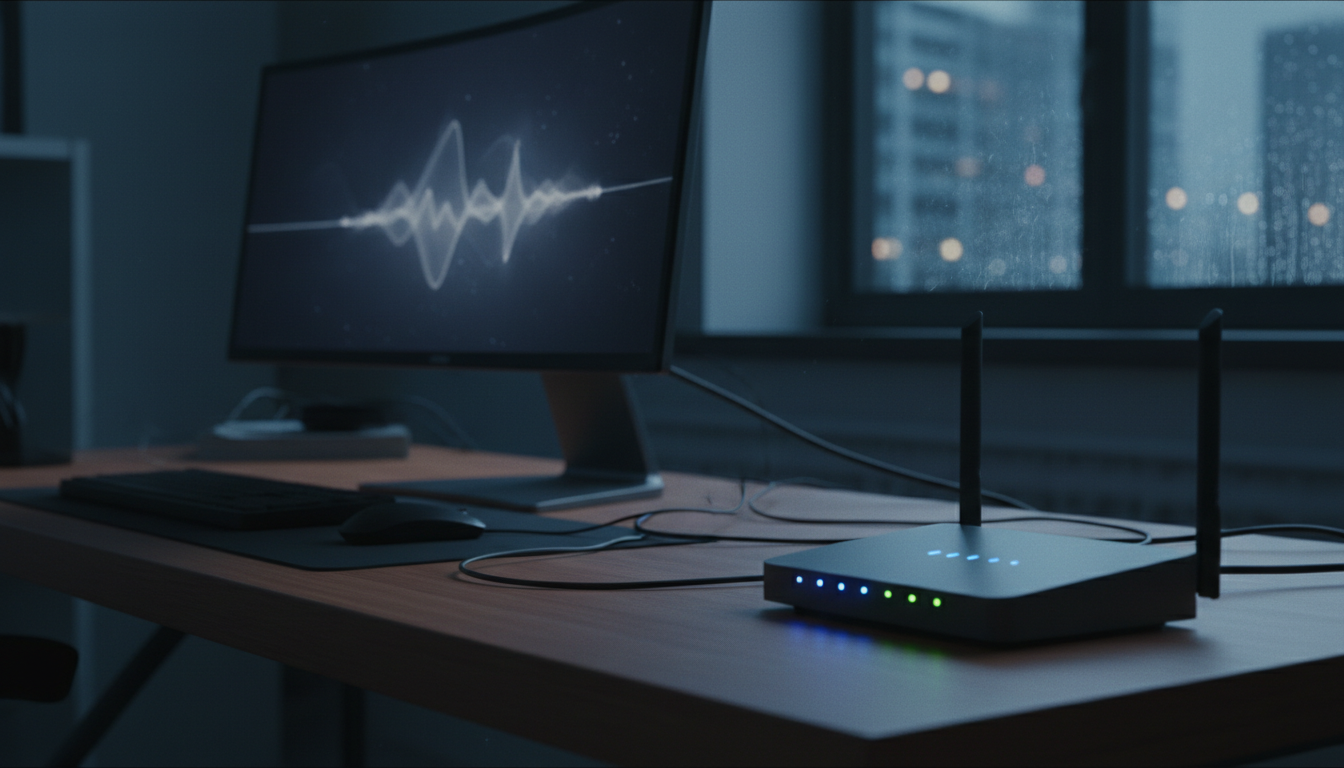
If your battery is healthy but you still find your ring doorbell not working, the issue likely stems from a poor connection to your home network. A ring doorbell not connecting to wifi is frequently a result of Bristol's unique architecture. In neighbourhoods like Totterdown, the dense pennant stone and thick masonry used in terraced housing are excellent for insulation but terrible for wireless signals. These materials absorb 2.4GHz frequencies, significantly reducing the data that actually reaches your front door.
To verify this, open the Ring app and navigate to the Device Health section to find the RSSI (Received Signal Strength Indicator) value. In plain English, RSSI is a measure of how clearly your doorbell can 'hear' your router. Unlike standard signal bars, this is measured in negative numbers where the closer the number is to zero, the stronger the signal. A value between -40 and -60 is ideal; once you reach -70 or lower, the connection becomes unstable, leading to dropped calls and pixelated video.
If you see a poor RSSI score, consider the physical path between your router and the door. Moving your router even a few feet away from a thick interior wall or a large metal appliance can sometimes bridge the gap. Alternatively, a Ring Chime Pro acts as a dedicated Wi-Fi extender designed specifically for these devices. It can be placed halfway between the router and the front door to bypass structural obstacles. If you are struggling to find the optimal placement for your network equipment, I provide professional IT support services to help map out your home coverage. My evening technical support in Bristol is also available if you need a hands-on assessment of your network health.
Why Your Ring Doorbell Is Not Ringing Inside the House
It is common to hear the chime sound outside your front door while the rest of the house remains completely silent. When you realize your ring doorbell not working inside, the first task is to identify which type of internal bell you are using. Most Bristol residents either rely on their original mechanical chime, the physical box on the wall from the house's original wiring, or a Ring Chime, which is a separate speaker that plugs into a standard wall socket.
If you are using a Ring Chime and it has stopped sounding, verify its status in the Ring app under "Devices." Often, a Ring doorbell chime not working is caused by a firmware update that has reset the "In-home Chime Settings" to "None." You should navigate to the "Device Settings" menu, select "In-home Chime Settings," and then "Advanced Settings" to ensure your chime type, whether it is Mechanical, Digital, or a Ring Chime, is correctly selected.
For those with mechanical bells, follow these steps to isolate the fault:
Verify that the "Ring my in-home chime" toggle is switched on in the app.
Check that the small jumper cable or Pro Power Kit is securely seated inside your original chime box.
Ensure the doorbell button is fully depressing; if the LED ring spins but no event is logged in your history, the software has not registered the press.
If the device health screen shows a strong signal but the internal alert never triggers, the app configuration is usually the culprit. If these adjustments do not restore the sound, my professional IT support services include a thorough audit of your smart home configuration. Restoring your system so you actually hear your visitors is a priority during my evening technical support in Bristol.
Troubleshooting Hardwired Ring Doorbells Not Working
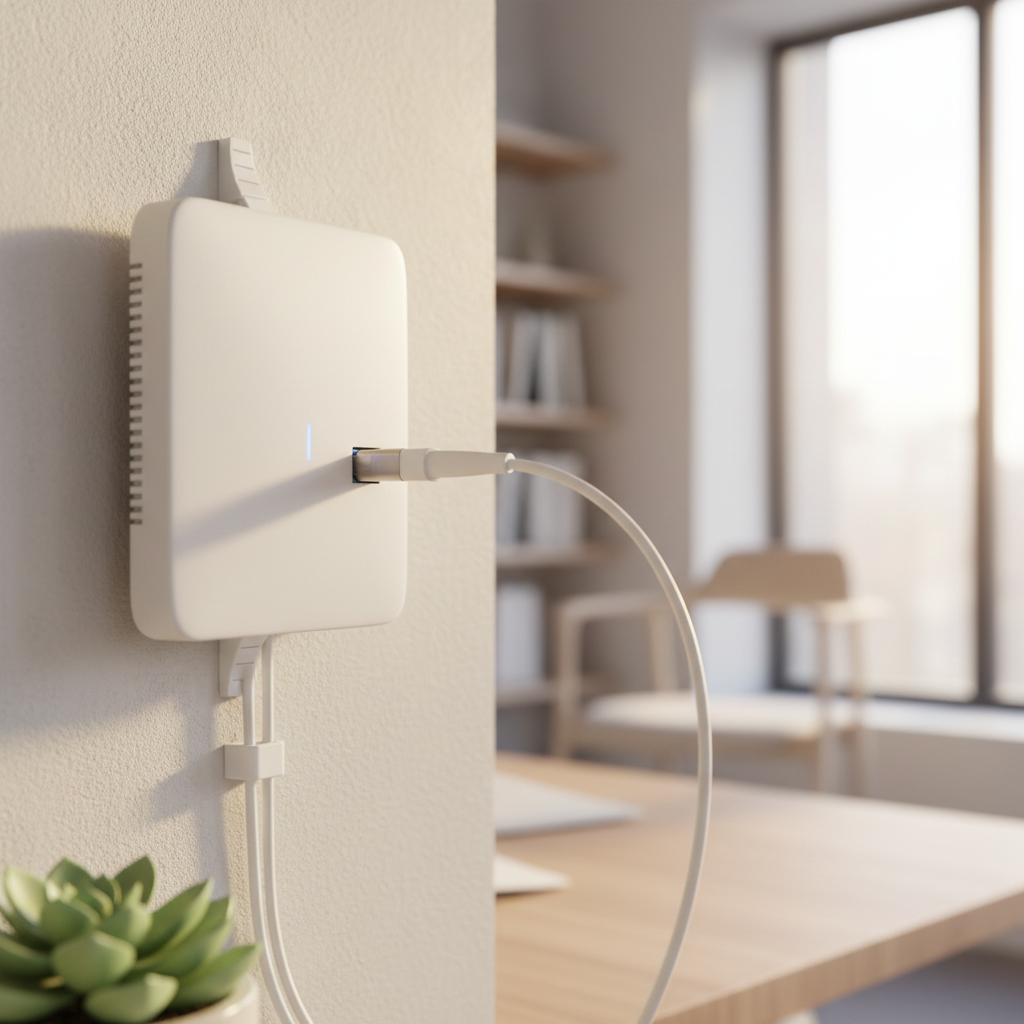
If your device is physically connected to your home's electrical system but you still find your wired ring doorbell not working, it is likely a power delivery issue. Many people assume a wired connection bypasses the battery entirely, but most models actually use the wires to provide a "trickle charge" to the internal battery. If the power coming from your transformer is too low, the battery will drain faster than it can replenish, leading to a device that is hardwired and not charging correctly.
You should check your transformer voltage in the Device Health section of the app. A standard Ring setup typically requires between 16 and 24 volts (VAC) to function reliably. If the reading is lower, the transformer might be aging or underpowered for the distance of the cable run. In older properties across Bristol, original doorbell wiring can sometimes be too thin or degraded to carry the necessary current for a modern smart device.
Before replacing hardware, inspect the physical contact points. If the battery pins or terminals look dull or corroded, a quick spray with a dedicated electronic cleaner can often restore the connection. However, safety is paramount. Always turn off the power at the consumer unit before touching exposed wires or terminals. If you are uncomfortable testing live voltage or inspecting wiring, I offer professional IT support services and evening technical support in Bristol to handle the technical hardware side of things for you.
How to Perform a Hard Reset: The 20-Second Rule

If these diagnostic steps fail to fix your device, a hard reset is often the final step to resolve a ring doorbell not working properly. To perform this, locate the setup button. Depending on your model, this is usually a small orange button on the back of the unit or tucked under the removable faceplate. Press and hold this button for a full 20 seconds without letting go.
Once released, the light on the front will flash for about a minute as the device restarts and restores its factory settings. Be aware that this is the nuclear option. A hard reset completely wipes your network credentials and internal configurations. You will need to have your Wi-Fi password at hand to walk through the setup process again in the Ring app as if the device were brand new.
I frequently recommend this method during professional IT support services when firmware hangs or the device stops responding to the app entirely. If you find the reconfiguration process frustrating, especially after a long day, I offer evening technical support in Bristol to get your security back online quickly and correctly.
Missing Notifications and Motion Detection Issues
When a reset fails to fix a ring doorbell not working for alerts, the issue usually lies within the 'Motion Zones' or 'Smart Alerts' settings. In high-traffic areas like Bristol City Centre or Mangotsfield, it is tempting to shrink your motion zones to avoid constant alerts from passing cars. However, if these zones are too restrictive, the sensor may fail to trigger until a visitor is already at the door.
Smart Alerts can also result in the device not notifying me of actual guests. These settings use AI to distinguish between people and other movement. If set to 'Person Only' mode, the system might occasionally misidentify a delivery driver as a background object, especially in low light. I frequently see cases during professional IT support services where a device health check looks perfect, with strong RSSI and battery, yet the app fails to log events because of these filters.
If your doorbell rings outside but no alert reaches your phone, check the 'Device-Level Notifications' in your smartphone settings as well as the Ring app. If you are struggling with Smart Home Devices Not Connecting or missing critical alerts, my evening technical support in Bristol provides the fine-tuning needed to balance security with the noise of busy urban streets.