Deciding whether to repair or replace computer hardware depends on the age of the machine and the total cost of the fix relative to a new device. Generally, if a repair costs less than 50% of a replacement and the PC is under five years old, it is worth fixing; simple upgrades like an SSD can often provide a significant performance boost. If the device is severely outdated or requires an expensive motherboard fix, investing in a new system is typically more cost-effective.
When your laptop takes ten minutes to boot or your desktop freezes mid-task, the frustration is palpable. You are caught in a difficult spot between spending hundreds on a new machine or risking money on a repair that might only buy you a few months. This decision matters because a poorly timed purchase wastes your hard-earned cash; yet, clinging to an ancient PC compromises your security and productivity. In this guide, we provide a practical framework for Bristol home users to navigate this choice. You will learn the 50 percent rule for repair costs, why a seven year old machine might be past its prime, and how simple upgrades like an SSD can breathe new life into an aging system. We also explore the hidden costs of switching and how to dispose of old tech responsibly in our local community.
The Big Decision: Is Your PC Worth Saving?
Many Bristol residents face a frustrating choice when a laptop starts lagging or a desktop refuses to boot. You might wonder if you should repair or replace computer hardware that has served you well for years. A new, reliable machine often costs upwards of £500, yet a targeted fix could be a fraction of that price. As an independent IT technician in Bristol, I encounter these dilemmas daily. It is a financial and practical decision that requires weighing the cost of parts against the machine's age and your specific needs.
To make this easier for people with busy daytime schedules, SWIT provides evening availability. You can contact SWIT for a diagnosis at a time that suits your lifestyle, ensuring you get an expert opinion without needing to take time off work. Deciding whether to save your PC involves looking at the total value of the machine and its future lifespan. Before you commit to a purchase, it helps to understand the standard metrics professionals use to judge a computer's worth.
The 50 Percent Rule for Computer Repairs
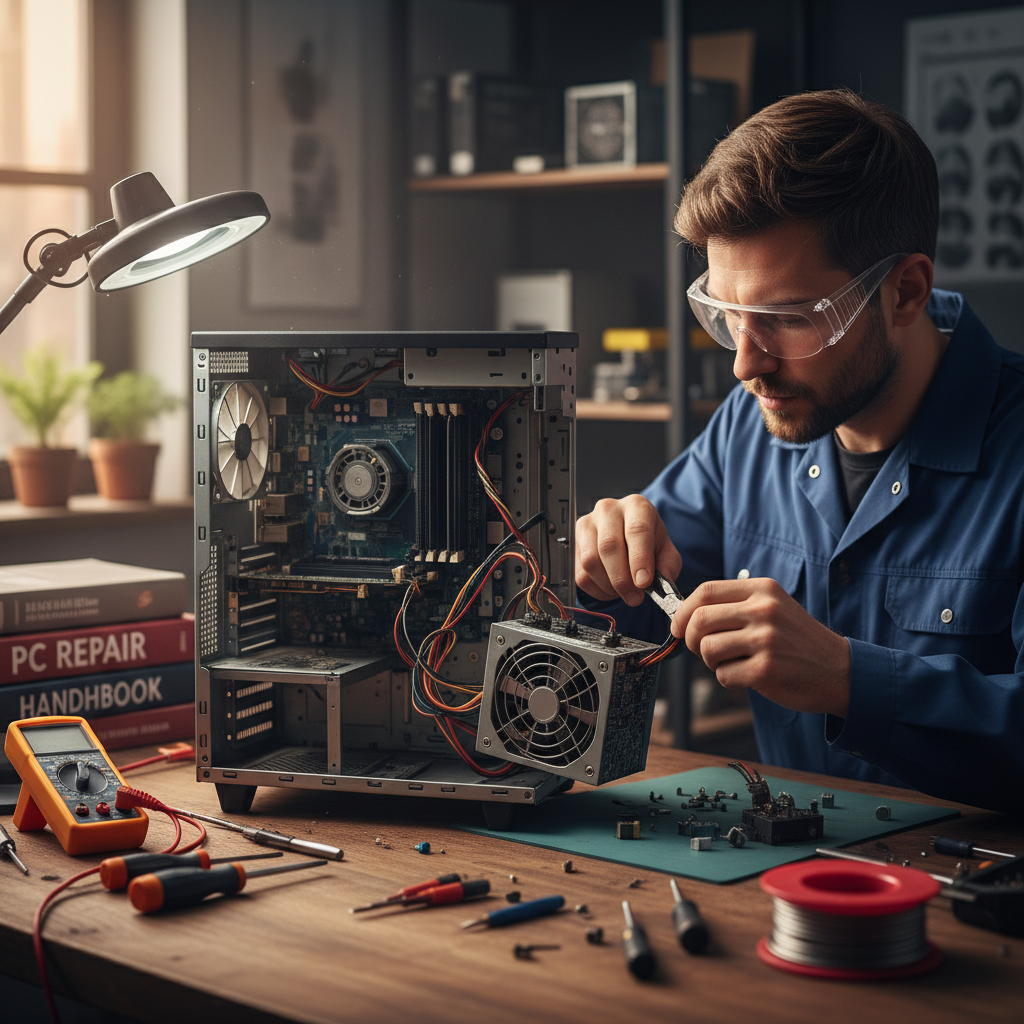
Professional technicians often use the 50 percent rule to help clients decide if they should repair or replace computer hardware. This rule is straightforward: if the total cost of a repair exceeds half the price of a comparable new machine, it is generally wiser to invest in a replacement. This calculation helps avoid the trap of 'throwing good money after bad' into a device that may develop further issues shortly after the fix.
To see how this works in practice, consider a common scenario for a Bristol home user. A mid-range laptop bought a few years ago might cost £500 to replace with a similar modern model. If that laptop suffers a cracked screen, the cost for the replacement panel and professional installation might reach £280. Because £280 is more than 50 percent of the cost of a new machine, the upgrade is the more logical financial choice.
However, many issues fall well below this threshold. If your computer is simply running slowly, you do not necessarily need to spend £500 on a new one. A high-quality Solid State Drive (SSD) upgrade usually costs around £80 including labour. This is a fraction of the cost of a new PC and can make a five year old machine feel significantly faster than it was when brand new. When you contact SWIT for a diagnosis, I look for these high-value, low-cost opportunities first. By comparing the quote to the market price of a new device, you can make an informed decision based on your specific budget and the current health of your hardware.
Age Thresholds: Is a 7 or 10 Year Old Computer Worth Fixing?
Age is often the deciding factor that overrides the 50 percent rule. Even a cheap repair is a poor investment if the hardware cannot support modern security standards or the latest software updates. Understanding the lifecycle of your device helps you determine when to repair or replace computer systems before they become a liability.
Machines between three and five years old are in their prime for repairs. At this stage, the processor is usually still capable of handling current tasks, and spare parts are readily available. Common issues like a failing battery or a worn out keyboard are worth fixing because the computer still has several years of useful life ahead.
A seven year old machine enters the orange zone. At this point, repairability depends heavily on the original build quality. A premium business grade laptop might still be snappy enough for web browsing and emails, whereas a budget consumer model from seven years ago will likely struggle with modern websites. If the fault is minor, a fix might be viable, but I often advise clients to consider if that money would be better saved for a new system.
Ten year old computers fall into the red zone. These devices face significant hardware bottlenecks, such as slow bus speeds and outdated Wi-Fi standards, that no amount of software cleaning can fix. More importantly, security support is a major concern.
Age Range | Status | Typical Recommendation |
|---|---|---|
3 - 5 Years | Prime Zone | Highly repairable; parts are widely available. |
6 - 8 Years | Orange Zone | Repair only if the fault is minor and the build is high-quality. |
9+ Years | Red Zone | Replacement is recommended due to security and performance limits. |
A critical deadline for Bristol users is October 14, 2025. This is the official end of life for Windows 10. If your older computer does not meet the strict hardware requirements for Windows 11, it will stop receiving security updates after this date. Investing significantly in a machine that will be insecure in less than a year is rarely a sound decision. If you are unsure about your PC's compatibility, you can contact SWIT for a diagnosis to check your upgrade path.
When a Cheap Upgrade Beats a New Purchase
Many Bristol residents assume a sluggish laptop or a desktop that takes ten minutes to boot is nearing the end of its life. In reality, the most common bottleneck is not a dying processor, but a slow mechanical hard drive. Older computers rely on a spinning disk and a moving arm to read data; these physical parts are naturally slow and wear down over time. Replacing this component with a Solid State Drive (SSD) is often the most effective way to decide whether to repair or replace computer hardware. An SSD uses flash memory with no moving parts, allowing it to access data almost instantly. This single upgrade can make a six year old machine feel more responsive than a brand new budget model from a high street retailer.
Alongside an SSD, increasing your Random Access Memory (RAM) provides immediate relief for systems that struggle with multiple web browser tabs or video calls. RAM acts as the computer's short term memory. When this space is full, the system slows down significantly as it tries to manage tasks. For most home users, upgrading to 8GB or 16GB of RAM ensures smooth multitasking without the frustration of constant loading icons.
These upgrades are remarkably cost effective, usually totaling under £120 including parts and professional installation. This modest investment can easily extend a computer's functional life by another three years. If you are tired of waiting for your PC to catch up with your typing, you can contact SWIT for a diagnosis during the evening. I can assess your current hardware and determine if these specific internal swaps will provide the performance boost you need, saving you the expense of professional computer setup services for an entirely new machine.
Common Problems That Signal the End
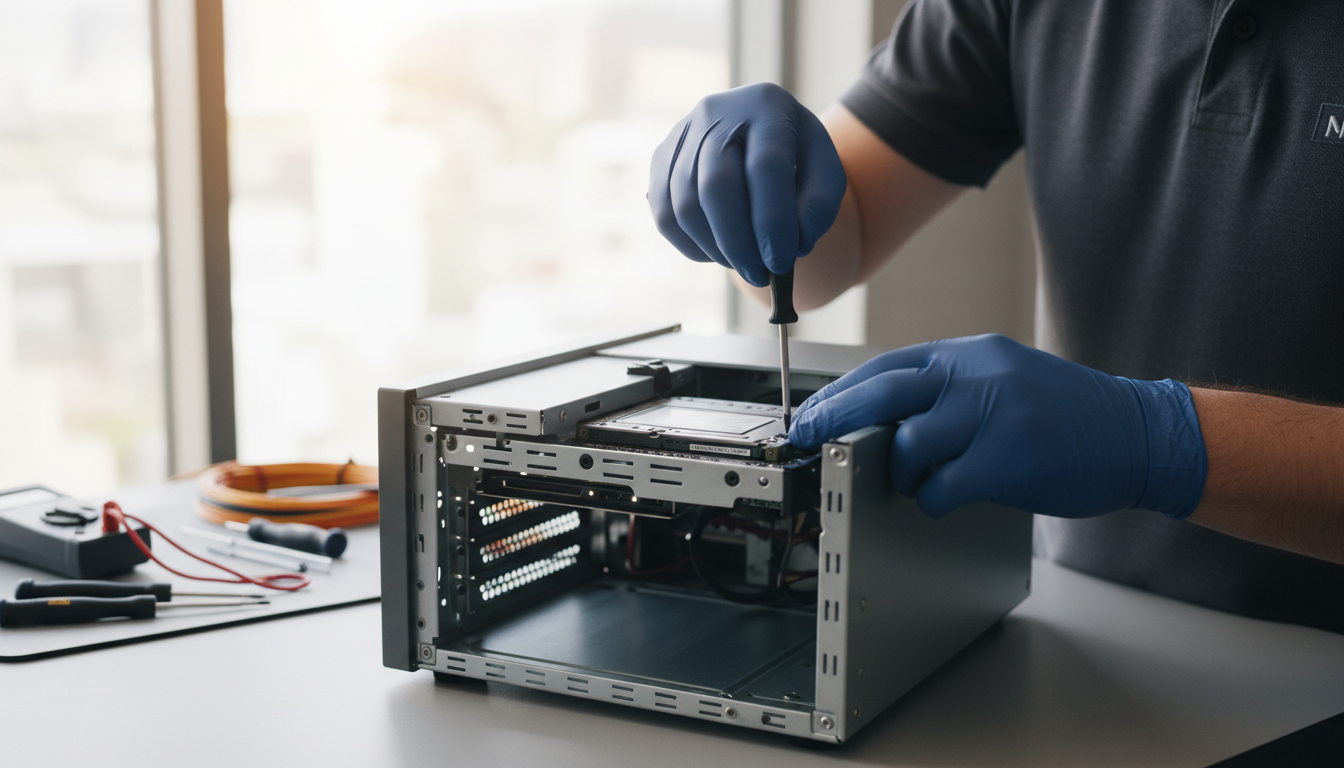
While SSDs and RAM can rejuvenate a slow system, certain hardware failures represent a point of no return. When deciding whether to repair or replace computer hardware, some faults are simply too costly or unreliable to fix. A primary example is motherboard failure. Because the motherboard is the central hub connecting all parts, a replacement often involves dismantling the entire device and costs hundreds of pounds, making it an impractical investment for any machine over four years old.
Physical integrity is another critical factor. Significant liquid spills often cause hidden corrosion that leads to random crashes or short circuits weeks after the initial accident. Similarly, if the plastic chassis or hinges on a laptop are snapped, the structural integrity is compromised. Continued use often leads to torn internal display cables or a cracked screen, which quickly pushes the repair bill past the 50 percent threshold.
Loud or unusual noises, such as high pitched whirring or grinding, also signal critical trouble. A grinding sound usually indicates a mechanical hard drive is physically failing, putting your photos and documents at immediate risk. If a computer continues overheating even after a professional internal clean, it likely suffers from internal component degradation. If you encounter these symptoms, you can contact SWIT for a diagnosis during an evening session to determine if the device is a safety risk or simply beyond economical repair.
The Hidden Costs of Buying a New Computer
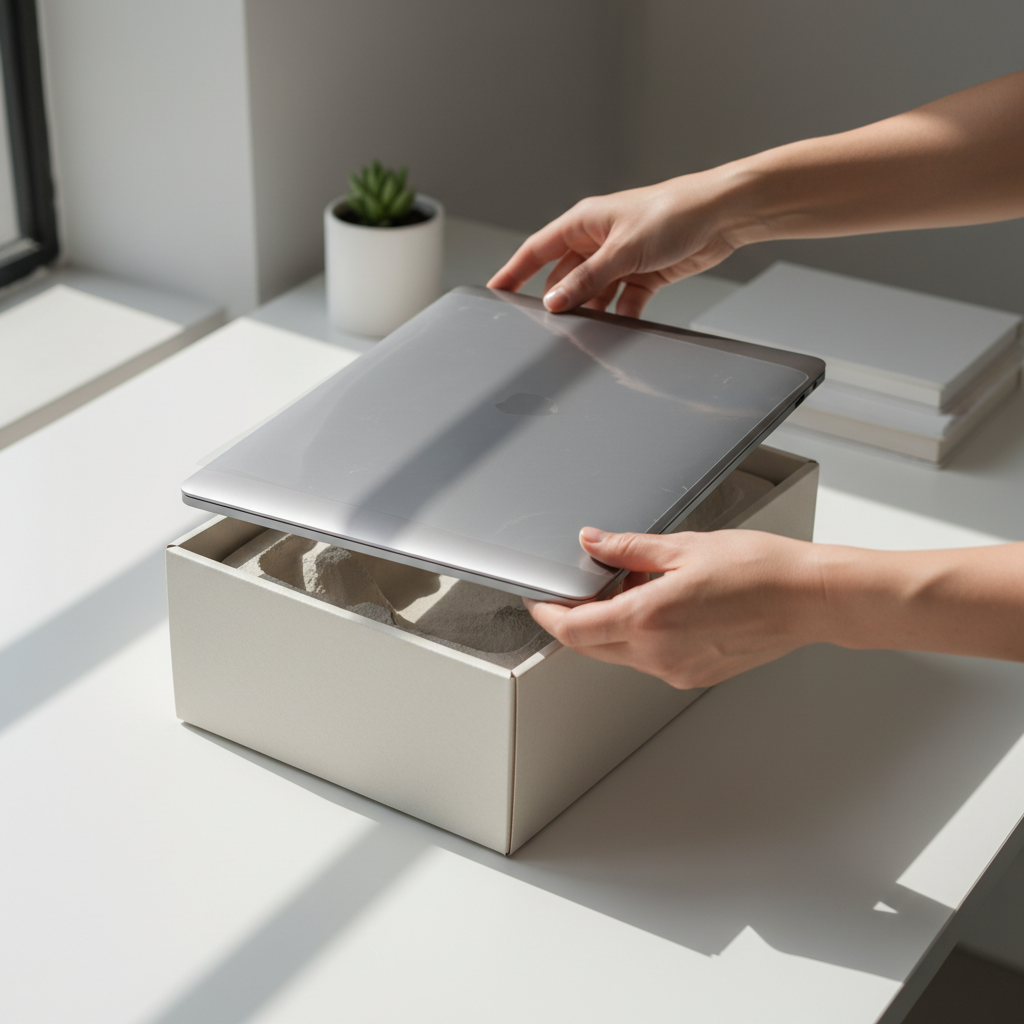
Choosing to buy a new machine might seem like a fresh start, but the sticker price is rarely the final cost. When you decide to repair or replace computer systems, you must factor in the transition tax of time and configuration. A new PC from a high street retailer comes as a blank slate. You will likely spend several hours performing initial updates, removing pre-installed trial software, and creating user accounts.
For many home users, the most daunting task is data migration. Safely moving years of family photos, documents, and browser bookmarks requires careful handling to avoid data loss. Furthermore, software like Microsoft Office or specialized tools for hobbies must be reinstalled. Locating old license keys or login credentials often adds layers of stress to the process.
Transition Task | Estimated Time | Complexity |
|---|---|---|
Windows Updates & Bloatware Removal | 1 to 2 Hours | Moderate |
Data Transfer (Photos & Docs) | 2 to 4 Hours | High |
Software & License Reinstallation | 1 to 3 Hours | High |
Printer & Network Configuration | 30 to 60 Mins | Moderate |
As an independent IT technician in Bristol, I provide professional computer setup services to eliminate this frustration. If your evening diagnosis confirms a replacement is the best path forward, I can manage the entire migration. This includes reconfiguring your printer, ensuring your Wi-Fi is stable, and verifying that your emails are syncing correctly. You can contact SWIT for a diagnosis to determine if a new machine is truly needed, or to ensure your new investment is ready to use from the moment you turn it on.
Sustainability and E-Waste in Bristol
While the logistics of a new setup are important, the environmental impact of disposal is a growing concern for many households across the city. Bristol has a long standing reputation for environmental leadership, and this ethos extends to how we manage our home technology. When you choose to fix an existing device rather than buying a new one, you are participating in a local culture of sustainability that prioritises the "Reduce, Reuse, Repair" mindset.
Manufacturing a single new laptop is an intensive process, requiring over 190,000 litres of water and generating approximately 331kg of CO2 emissions. By opting for a repair or a targeted hardware upgrade, you can save up to 94% of the carbon emissions associated with a brand new purchase. This choice keeps heavy metals and plastics out of landfills and reduces the demand for raw material mining.
If your device eventually reaches the age thresholds where it is no longer safe for daily use, you can contact SWIT for a diagnosis to see if the hardware can be safely wiped and repurposed for basic tasks or donated to local community projects. Choosing an independent IT technician in Bristol ensures your tech decisions align with both your personal budget and a commitment to reducing local e-waste.
Ultimately, the choice between repairing or replacing your computer comes down to its age, the cost of parts, and how much it impacts your daily life. A simple upgrade might extend its lifespan, but a newer model could be the more reliable long term investment. If you want expert help deciding which path is right for you, we can offer honest advice tailored to your needs. You can read more about SWIT to see how we help Bristol home users navigate their technology with confidence.